Run a Minecraft Server on Acurast
This example runs a Minecraft Java server inside an Acurast Cargo deployment and exposes it over the Acurast Tunnel's two connections:
- primary connection → the Minecraft server port (
25565), and - secondary connection → SSH (Dropbear on
2222).
Minecraft's wire protocol is raw TCP, not TLS — so the easy way to play is to SSH
in over the secondary connection and local-forward the game port (ssh -L).
The SSH session carries the raw TCP, no TLS wrapper needed on your machine.
Deploying this app accepts the Minecraft EULA (start.sh writes eula=true).
1. Get the repo and open the example
git clone https://github.com/Acurast/acurast-example-apps.git
cd acurast-example-apps/apps/app-cargo-minecraft
2. What's in the app/ folder
| File | Purpose |
|---|---|
start.sh | Entrypoint. Installs a JDK + Dropbear, builds the getifaddrs shim, downloads the server jar, writes eula=true and a loopback-bound server.properties, starts the server on 127.0.0.1:25565 and SSH on 127.0.0.1:2222. |
tunnel.py | Opens the reverse tunnel — primary → Minecraft (25565), secondary → SSH (2222). |
getifaddrs_override.c | PRoot shim. |
callback.sh | POSTs log / started / error events to your CALLBACK_URL. |
3. (Optional) Use your own domain
By default the tunnel serves on https://<clientId>.acu.run, with a Let's Encrypt
certificate provisioned automatically — nothing to set up. To use your own domain
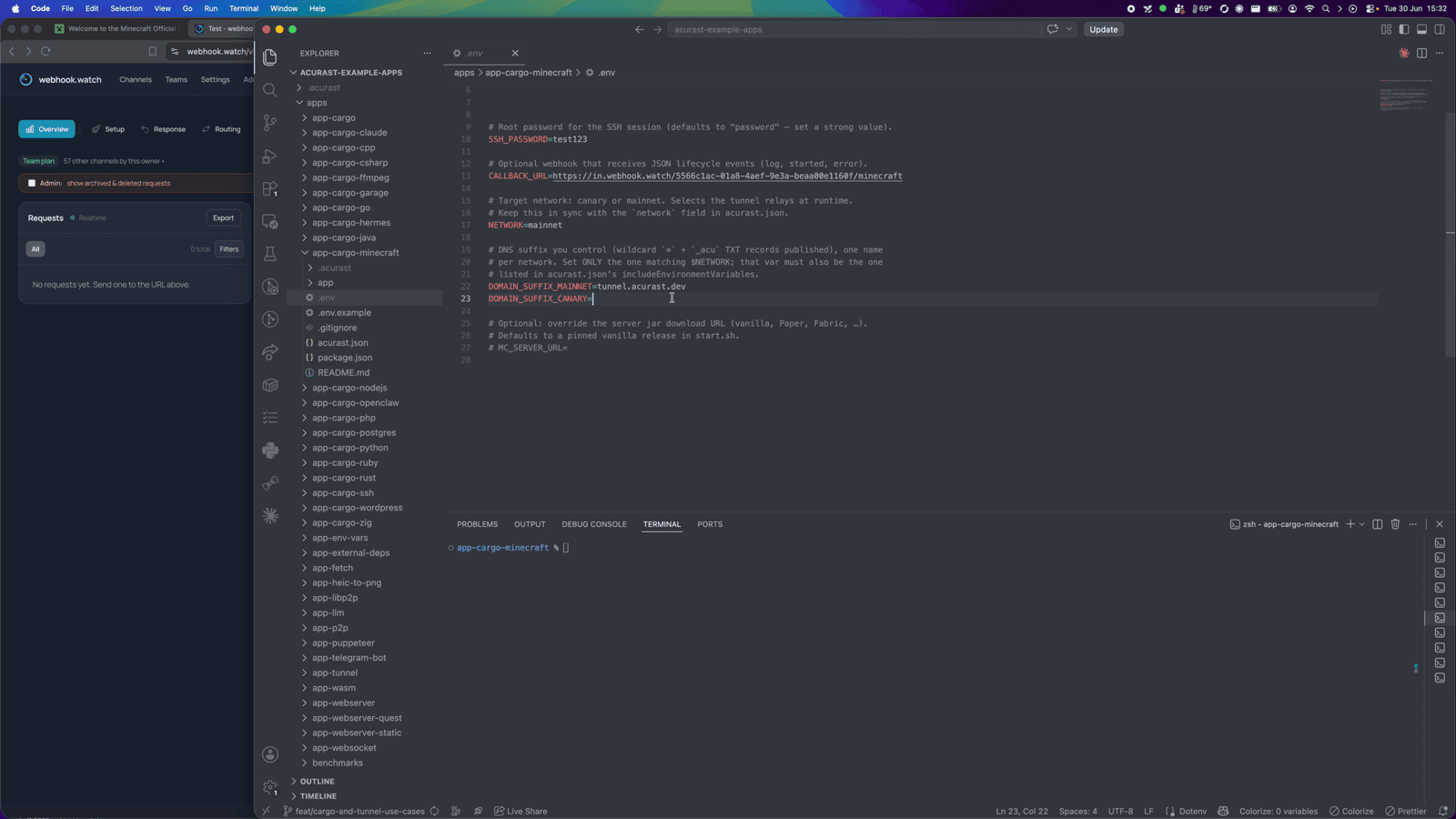
suffix instead, do the one-time DNS setup (a wildcard record and an _acu TXT
record) from the
Tunnel Quick Start
(step 2) and set DOMAIN_SUFFIX_MAINNET/_CANARY below.
4. Configure .env
cp .env.example .env
| Variable | Required | What to set |
|---|---|---|
ACURAST_MNEMONIC | ✅ | Deployer seed phrase. Never commit it. |
NETWORK | ✅ | canary or mainnet. Must match acurast.json. |
DOMAIN_SUFFIX_MAINNET / _CANARY | optional | Only for a custom domain. Leave unset to serve on acu.run. If set, use the one matching NETWORK and add it to includeEnvironmentVariables. |
SSH_PASSWORD | optional | Root SSH password. Defaults to password — set a strong value. |
MC_SERVER_URL | optional | Override the server jar URL (vanilla/Paper/Fabric). Defaults to a pinned vanilla release. |
CALLBACK_URL | optional | Lifecycle-event webhook. Use webhook.watch. |
Getting a CALLBACK_URL from webhook.watch
Open webhook.watch, grab the unique inspector URL, and
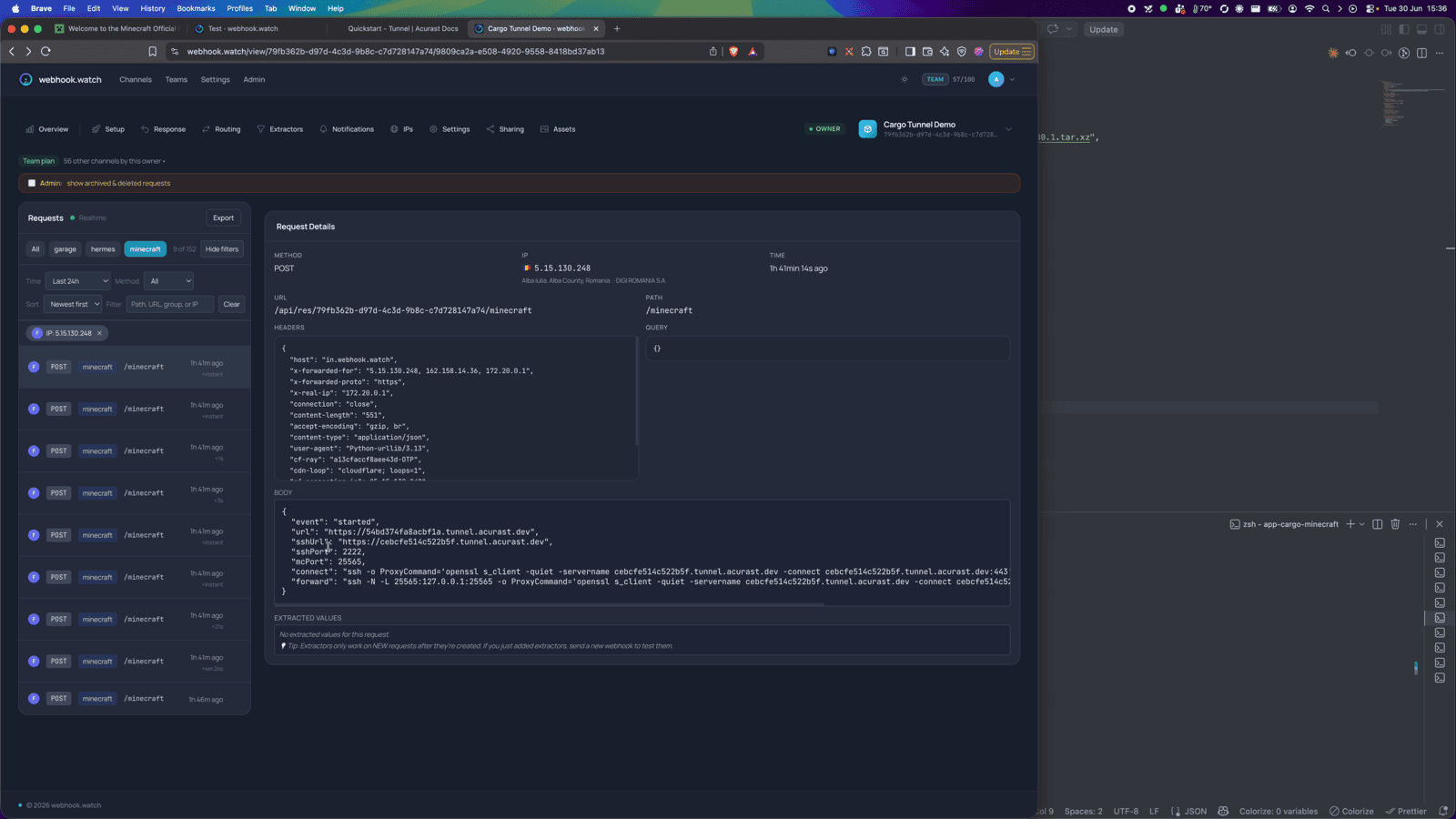
paste it into CALLBACK_URL. The started event that lands there carries the SSH
connect command and the forward command you'll use to play.
5. A glance at acurast.json
runtime: "Shell"on aproot-distroUbuntu image.execution:onetime,maxExecutionTimeInMs: 14400000(a 4-hour window).minProcessorVersions.android: "1.26.0"(tunnel support).includeEnvironmentVariables:CALLBACK_URL,NETWORK,SSH_PASSWORD.
6. Deploy
npm i
npm run deploy   # runs `acurast deploy`
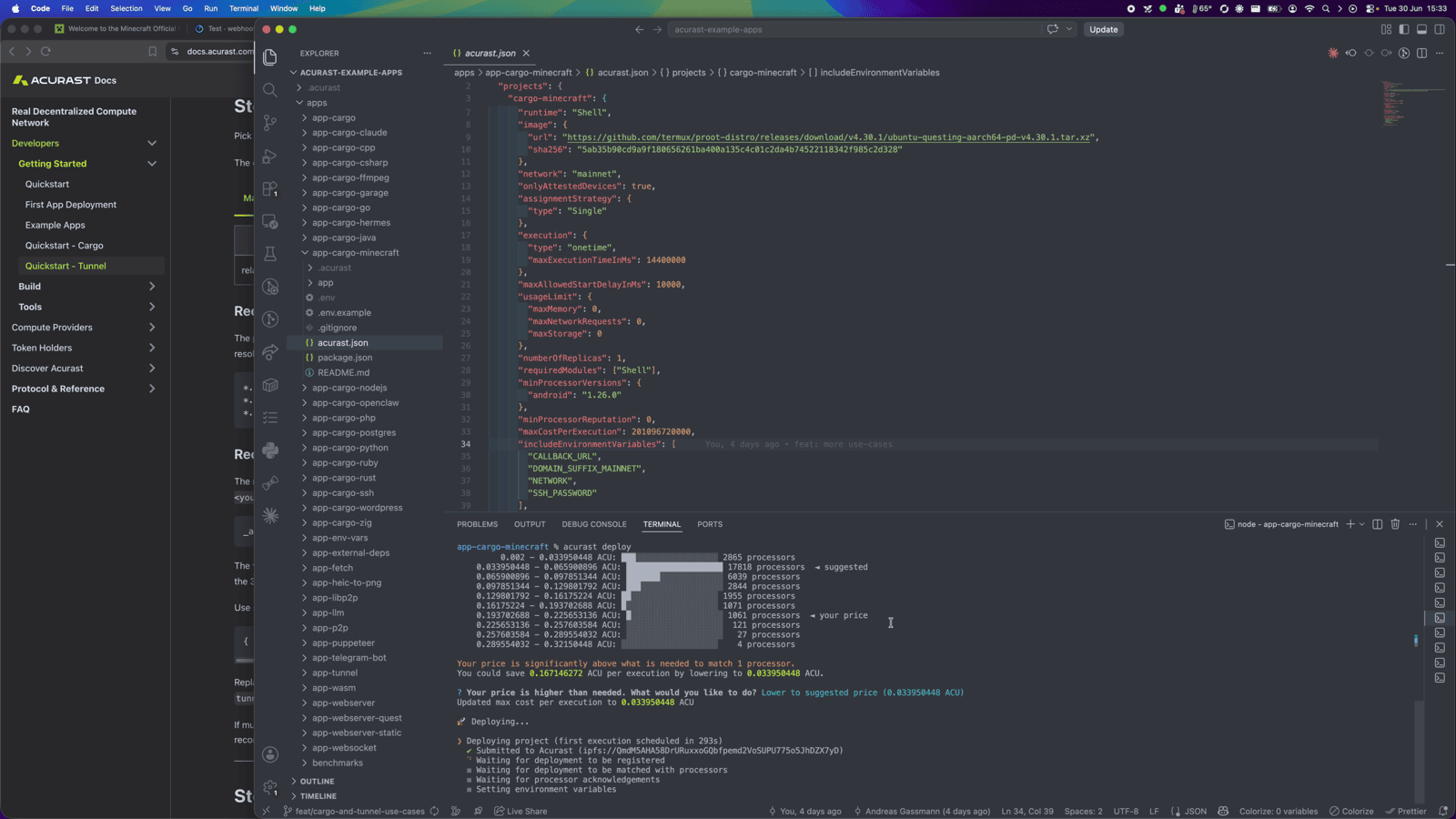
The CLI shows the reward market and a suggested price — accept it and confirm.
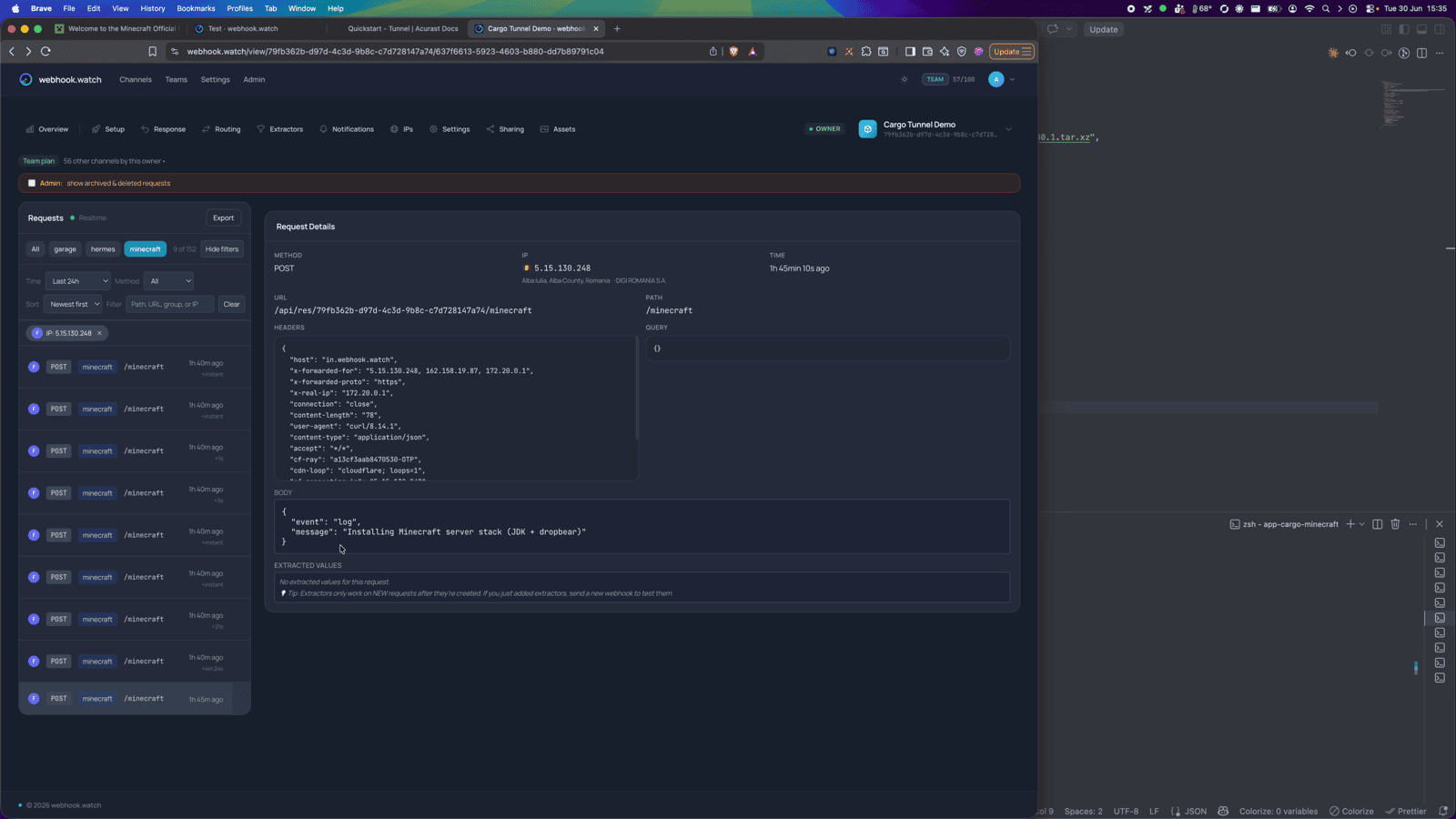
Then watch webhook.watch. The install downloads a JDK and the server jar, so you'll
see a run of log events first…
…and finally the started event with the SSH connect and forward commands.
Part 2 — Playing on the server
Forward the game port over SSH
Run the forward command from the started event — it local-forwards 25565
over the (TLS-wrapped) secondary SSH connection:
ssh -N -L 25565:127.0.0.1:25565 \
  -o ProxyCommand='openssl s_client -quiet \
    -servername <secondaryClientId>.acu.run \
    -connect <secondaryClientId>.acu.run:443' \
  root@<secondaryClientId>
Leave it running.
Add the server and join
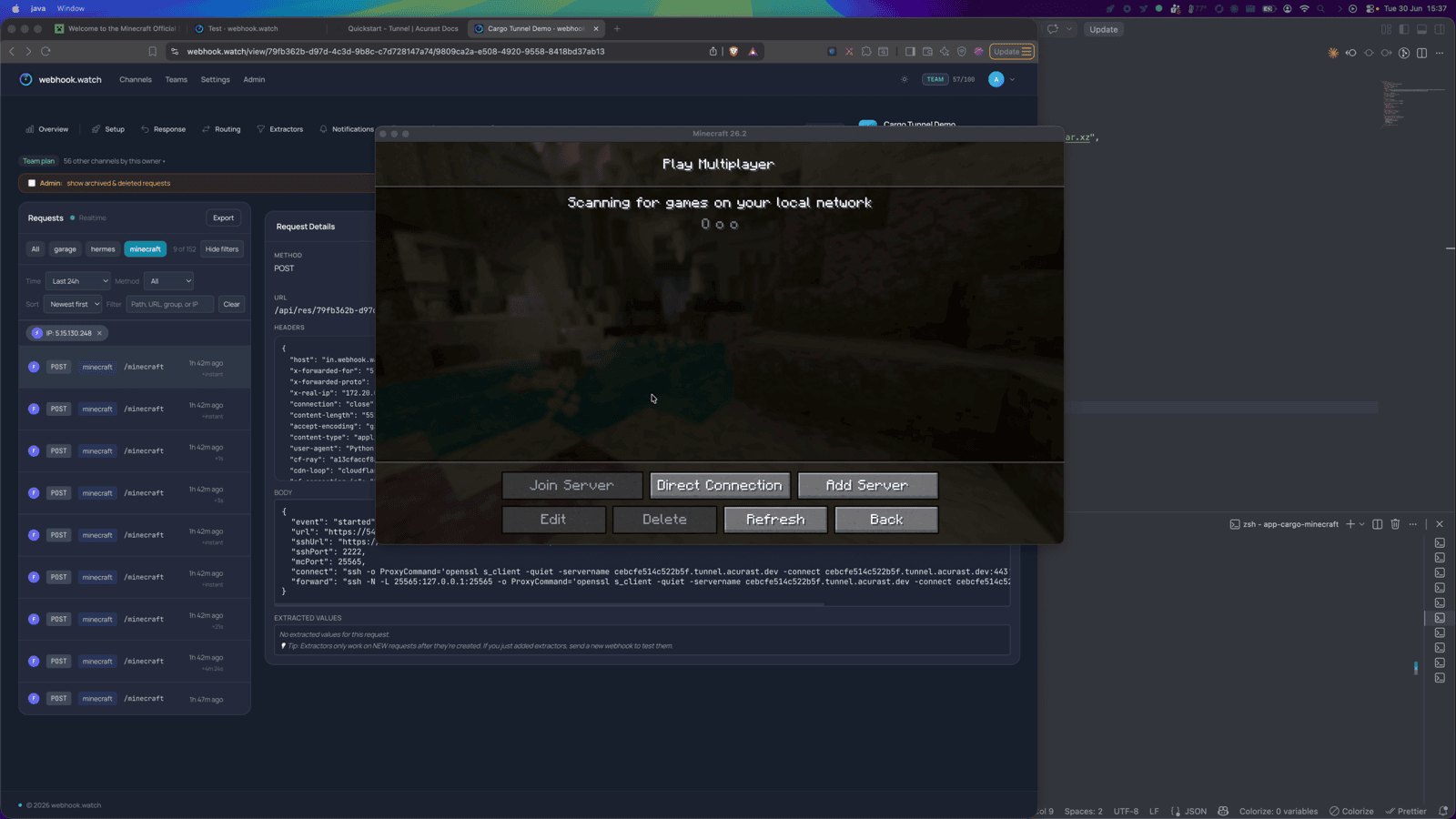
In your Minecraft client, add a multiplayer server with the address
127.0.0.1:25565 (that's your local end of the forward).
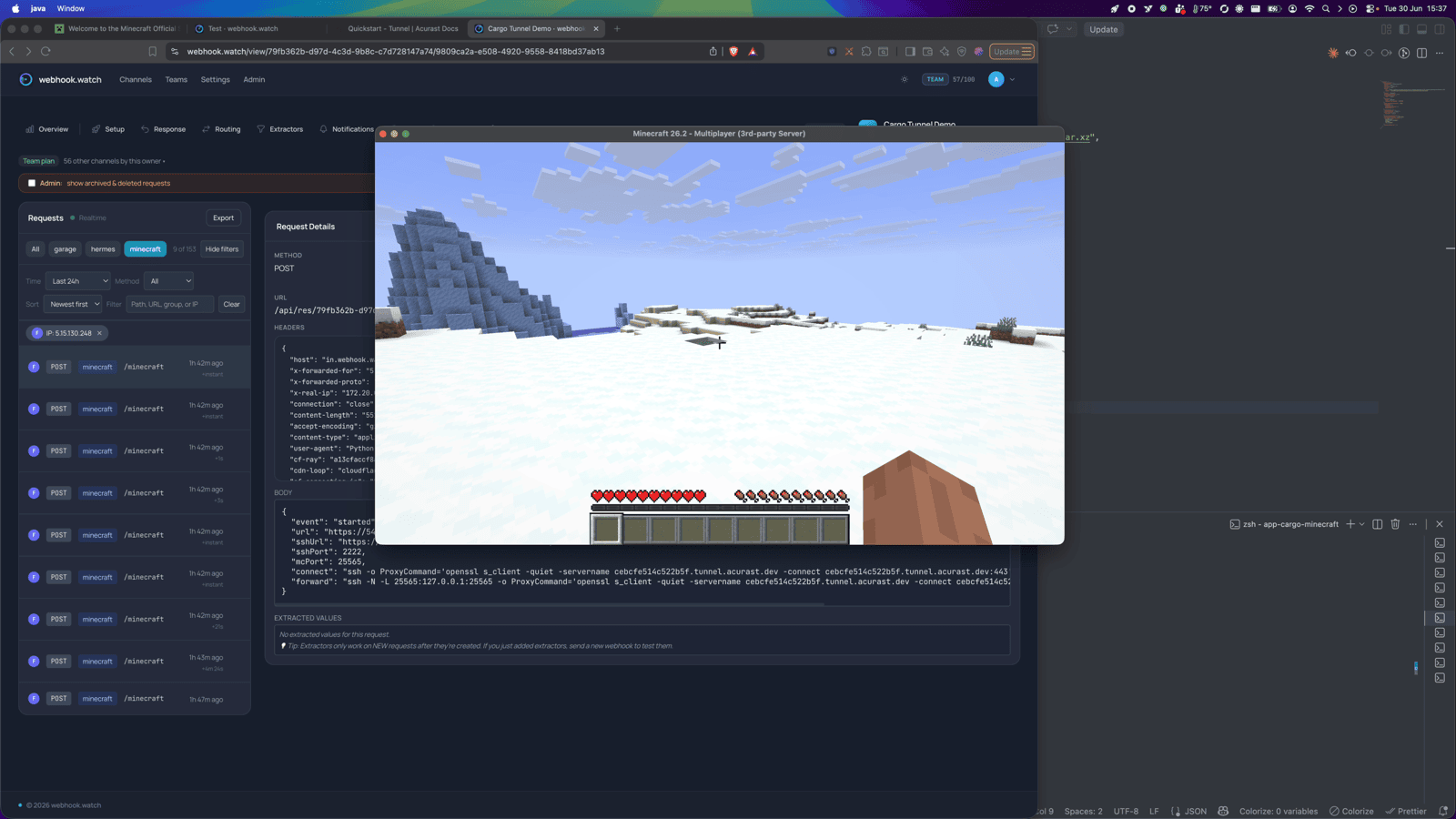
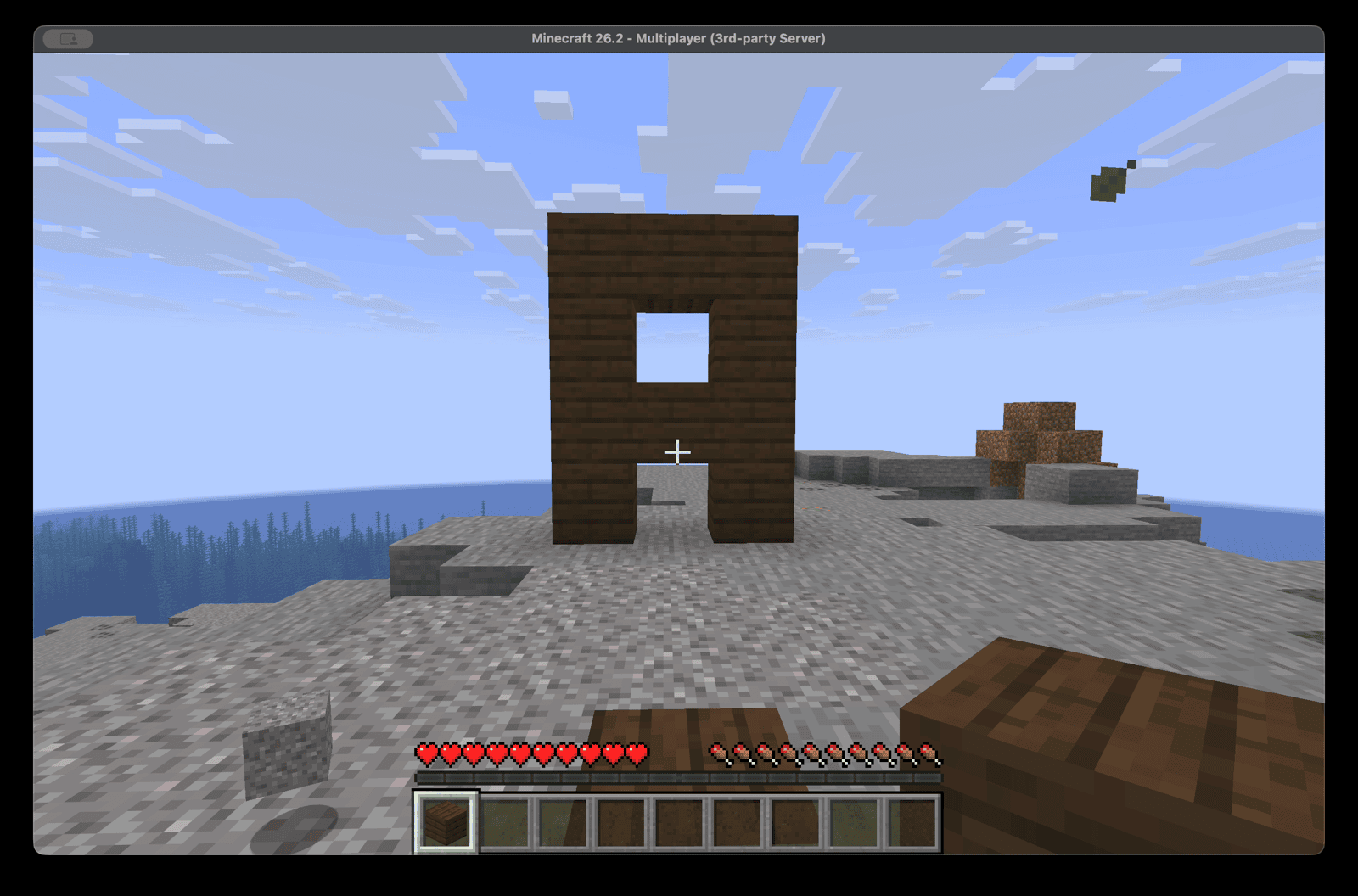
Join — and you're playing on a world hosted on a phone.
Your Minecraft client version must match the server jar version. The world lives in ephemeral storage and is lost when the deployment ends — great for a throwaway session with friends, not for a persistent survival world (yet).