How to Get ACU
ACU is available on multiple chains. Where you buy it determines which token instance you receive and whether you need to bridge before using it on Acurast Mainnet to stake, delegate, or create deployments.
1. Buy ACU on an exchange
ACU is listed on various centralized and decentralized exchanges. Major CEX listings include:
For the full and current list of markets, see CoinMarketCap ↗ or CoinGecko ↗.
Each exchange chooses which token instance it supports (Acurast native, ERC20 on Ethereum, OFT on BSC/Base/Peaq). Check the network before depositing or withdrawing. Sending the wrong instance to an incompatible address can result in lost funds.
| Exchange type | What you get | Path to Acurast Mainnet |
|---|---|---|
| CEX with Acurast native withdrawal | ACU on Acurast Mainnet | Withdraw directly to your Acurast wallet |
| CEX/DEX with Ethereum withdrawal | ERC20 ACU on Ethereum | HyperDrive: Ethereum → Acurast Mainnet |
| CEX/DEX on BSC, Base, or Peaq | OFT ACU on that chain | Stargate → Ethereum, then HyperDrive → Acurast Mainnet |
See Acurast Token for the full list of deployed token contracts.
2. Pick a wallet
Before bridging or receiving ACU, set up a wallet for the network you target.
- For Acurast Mainnet native ACU: see Wallet Overview.
- For EVM chains (Ethereum, BSC, Base, Peaq): use any standard EVM wallet (MetaMask, Rabby, etc.).
3. Bridge ACU to Acurast Mainnet
Goal: get ACU onto Acurast Mainnet so you can stake, delegate, or create deployments. Path depends on which chain you start from.
ACU on BSC / Base / Peaq → (Stargate) → ACU on Ethereum → (HyperDrive) → Acurast Mainnet
ACU on Ethereum                                          → (HyperDrive) → Acurast Mainnet
If you already hold ACU on Ethereum, skip to Step B: Ethereum → Acurast Mainnet.
The reverse direction (Acurast Mainnet → Ethereum → BSC/Base/Peaq) works the same way through the same UIs, but is not covered here.
Step A: BSC / Base / Peaq → Ethereum (Stargate)
ACU on EVM chains is a LayerZero OFT. Use stargate.finance to move ACU from BSC, Base, or Peaq to Ethereum.
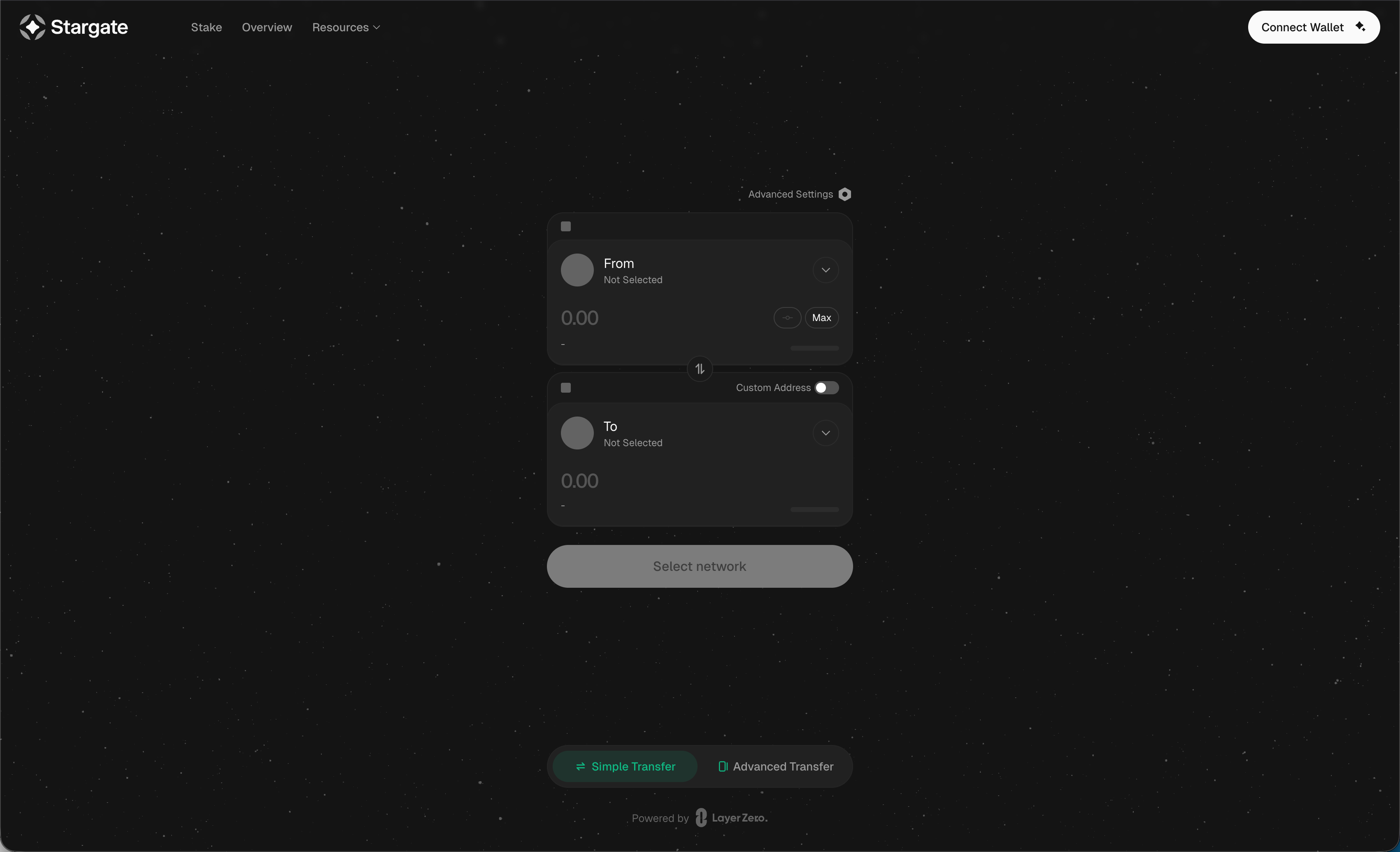
1. Open Stargate and connect your wallet. Go to stargate.finance and click Connect Wallet in the top-right.
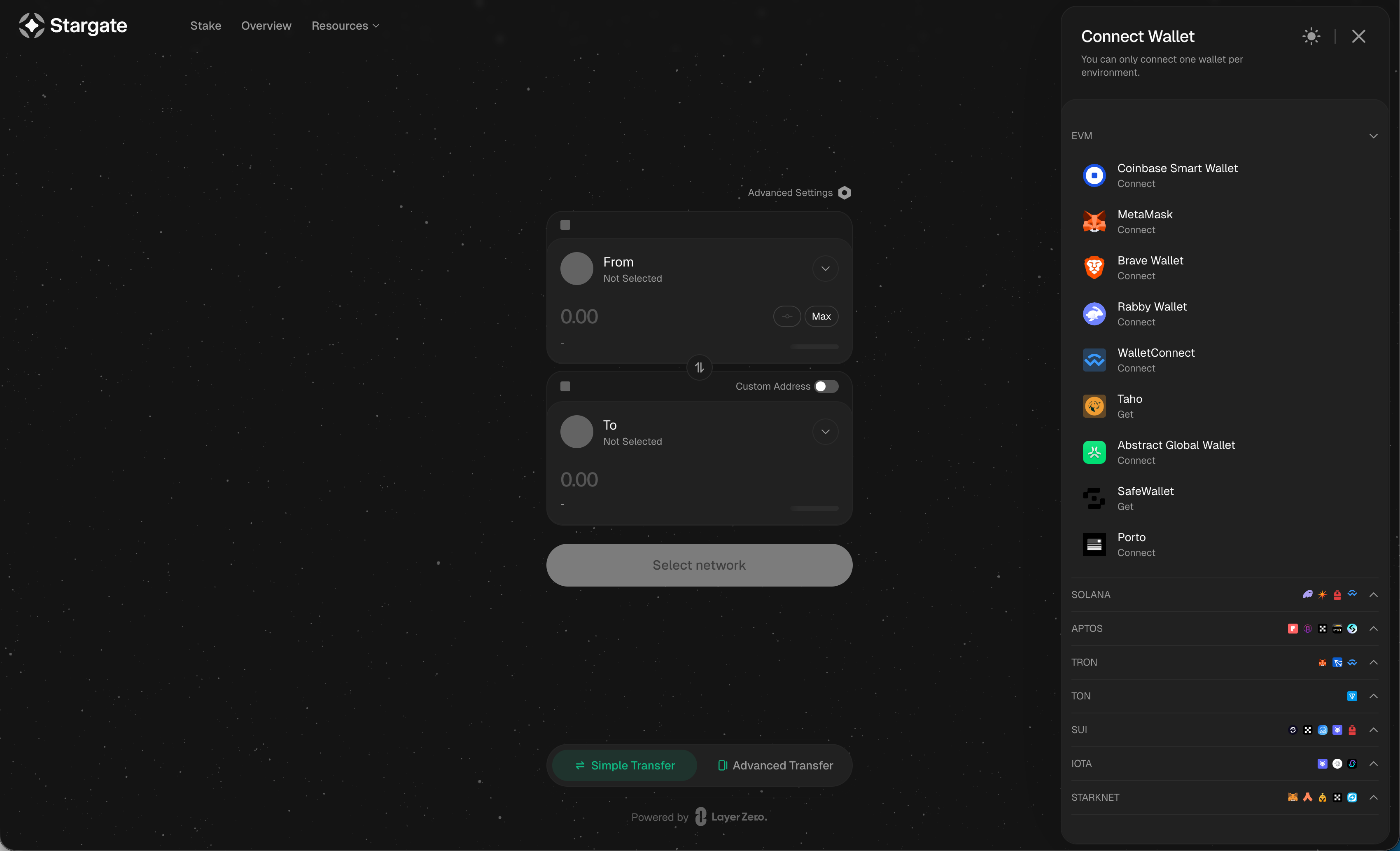
2. Pick your wallet. Select your EVM wallet (MetaMask, Rabby, Coinbase Smart Wallet, WalletConnect, etc.) from the EVM section.
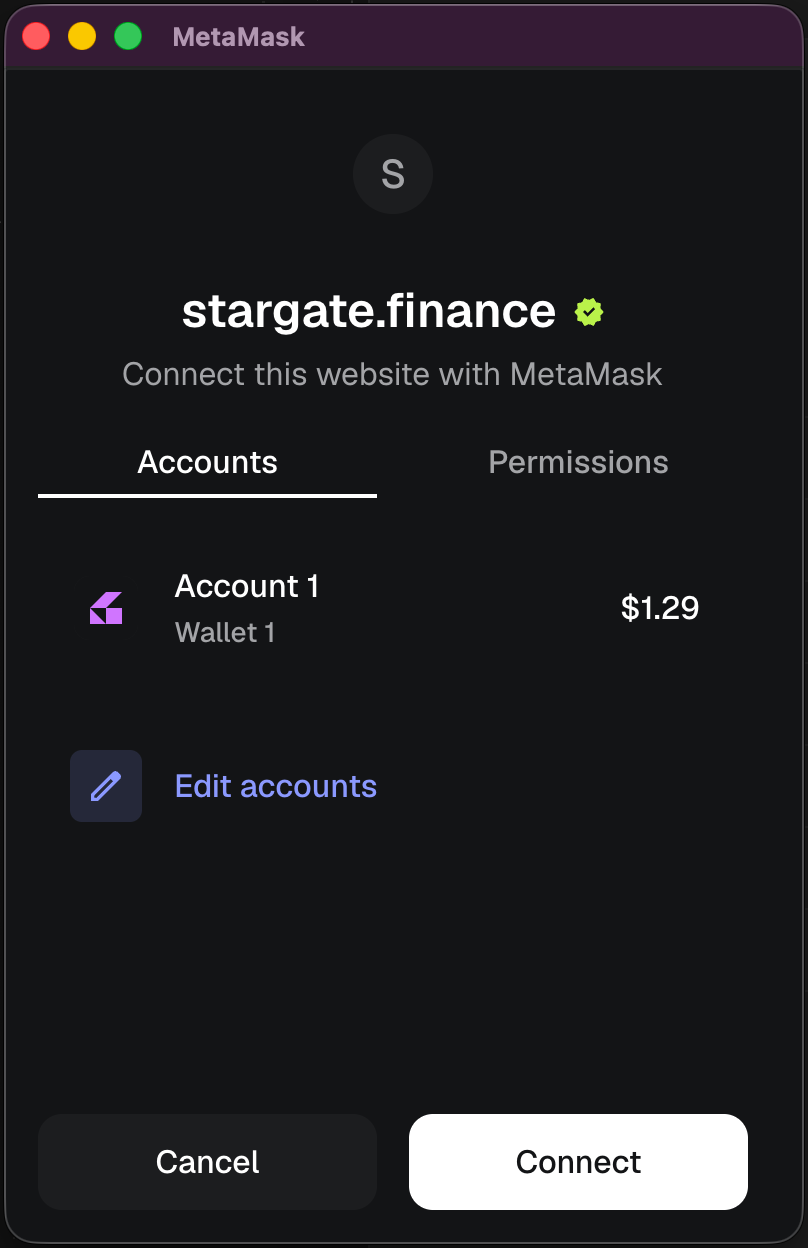
3. Approve the connection in your wallet. Confirm the connection prompt.
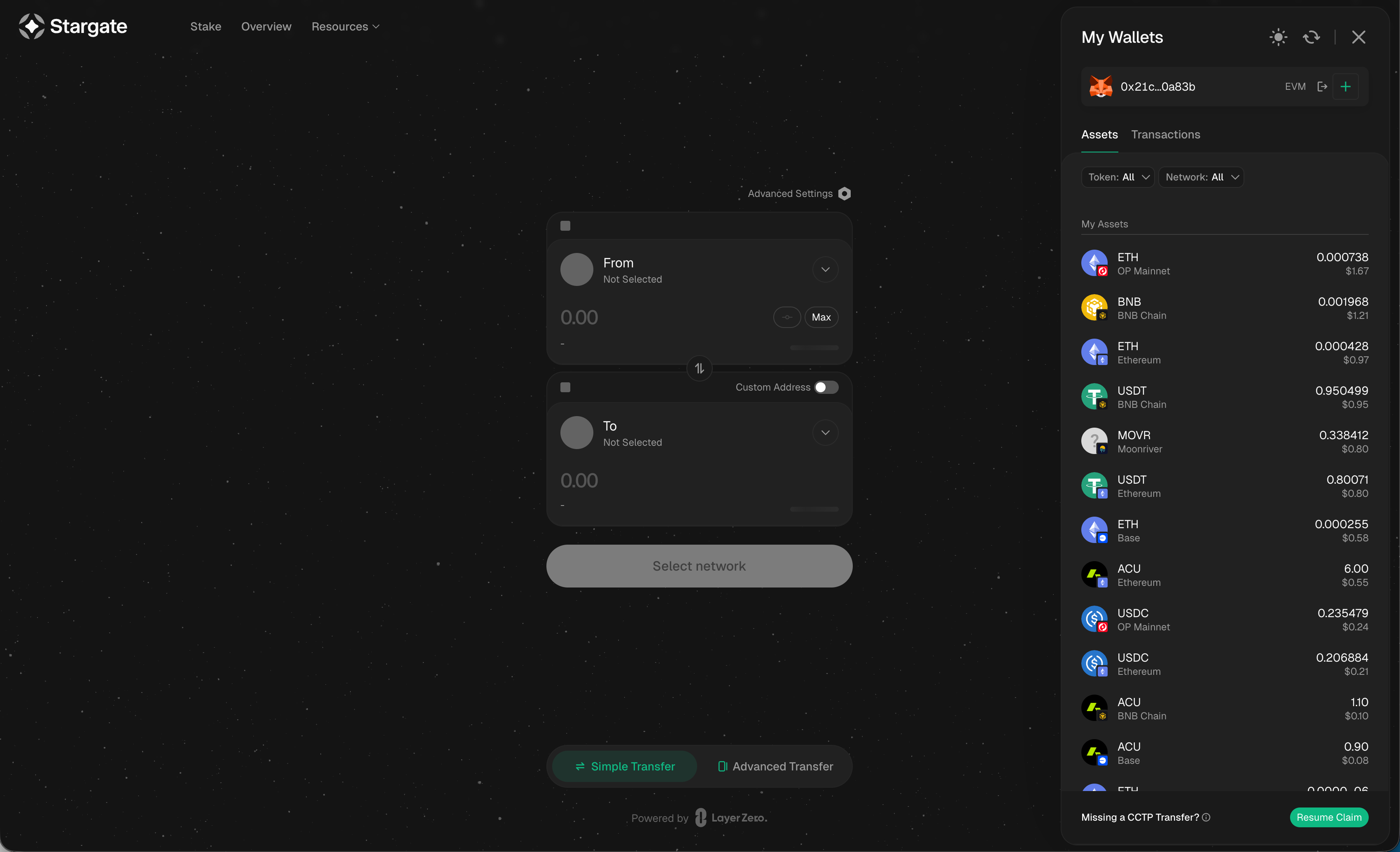
4. Verify your ACU balances. Once connected, Stargate shows ACU on each chain it supports (Ethereum, BNB Chain, Base, Peaq).
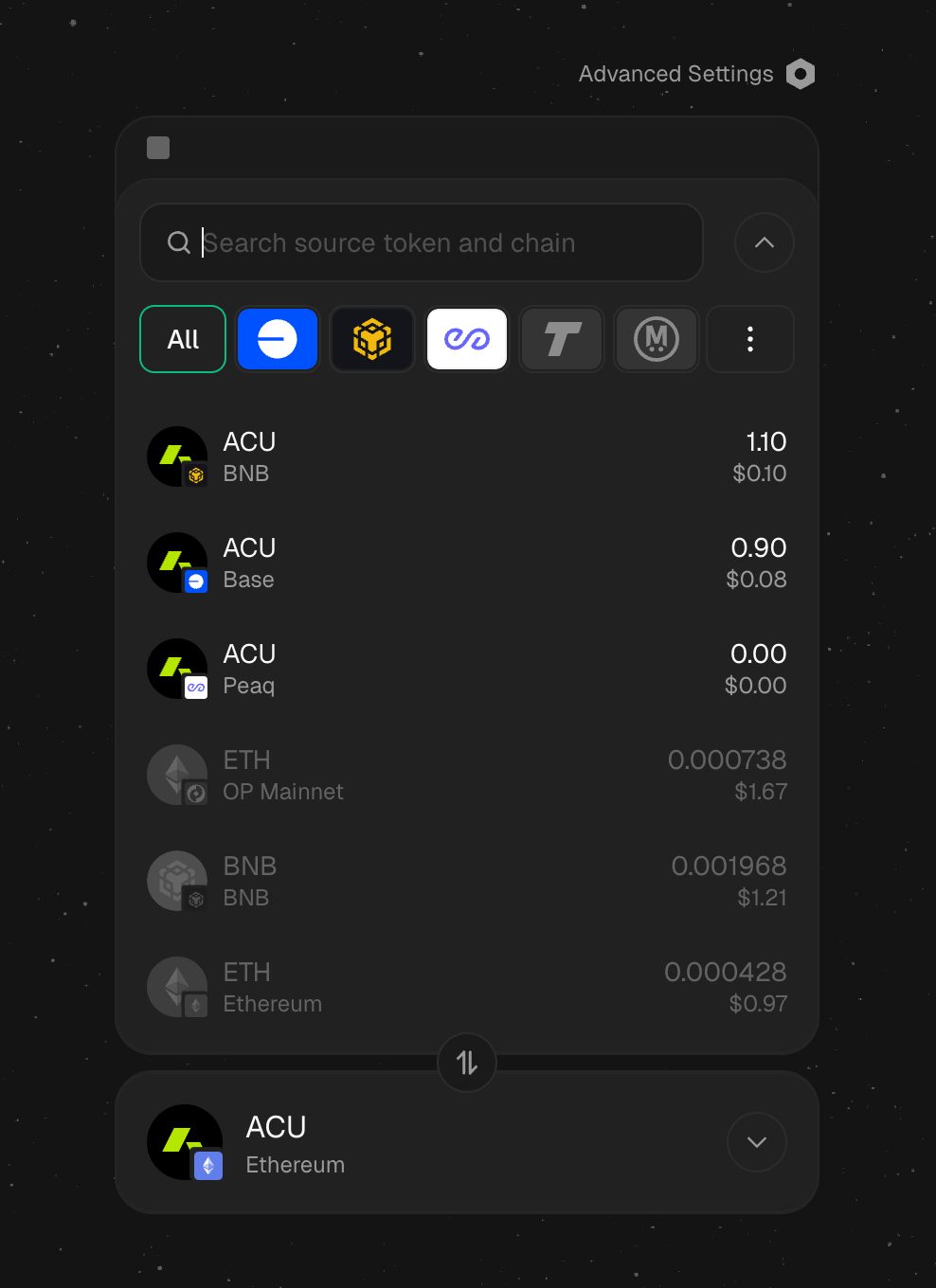
5. Select source: ACU on BSC, Base, or Peaq. Click From and pick the ACU instance you hold. Set To to ACU on Ethereum.
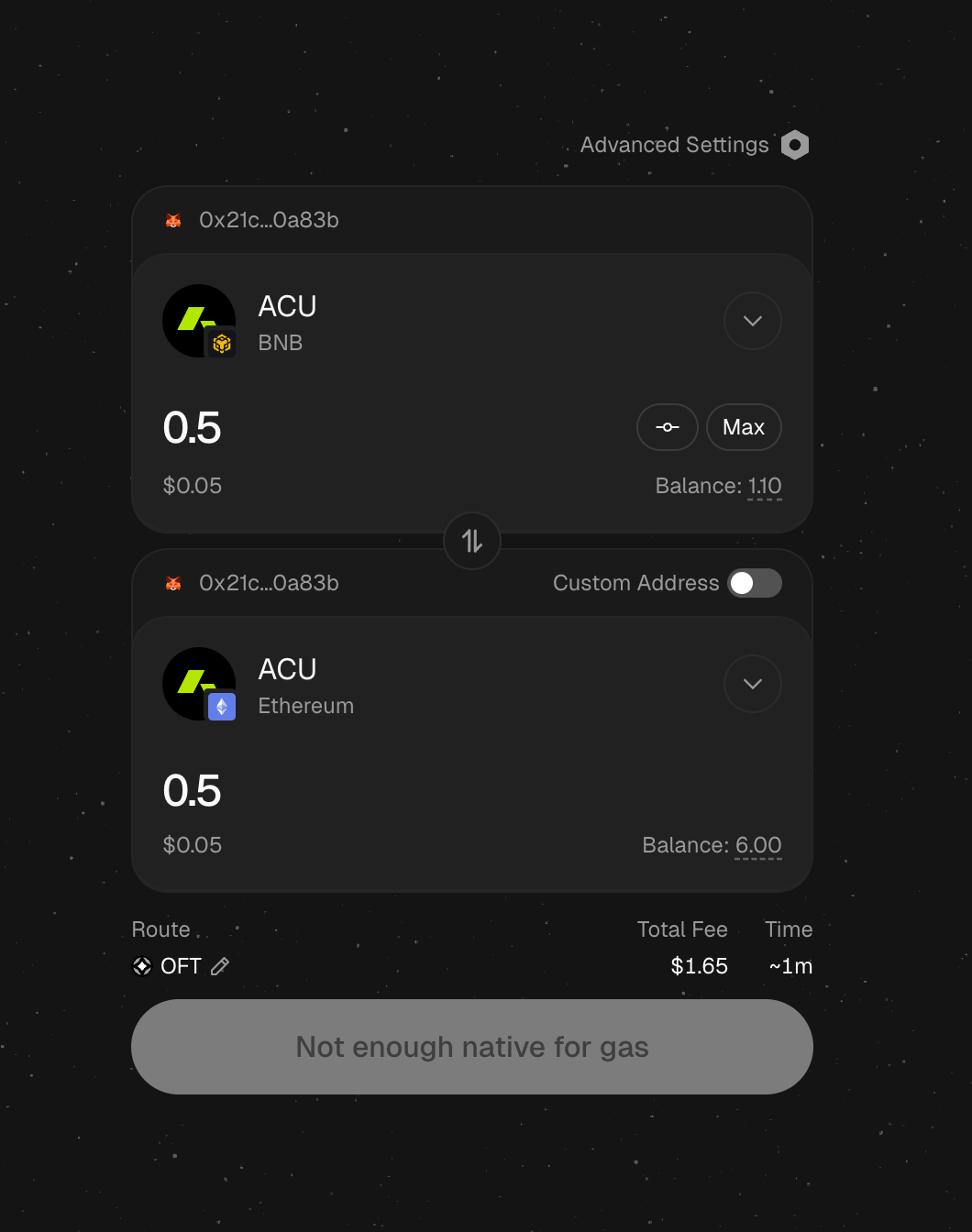
6. Enter the amount. Make sure you have enough native gas (BNB, ETH on Base, etc.) on the source chain. Stargate warns Not enough native for gas if you don't.
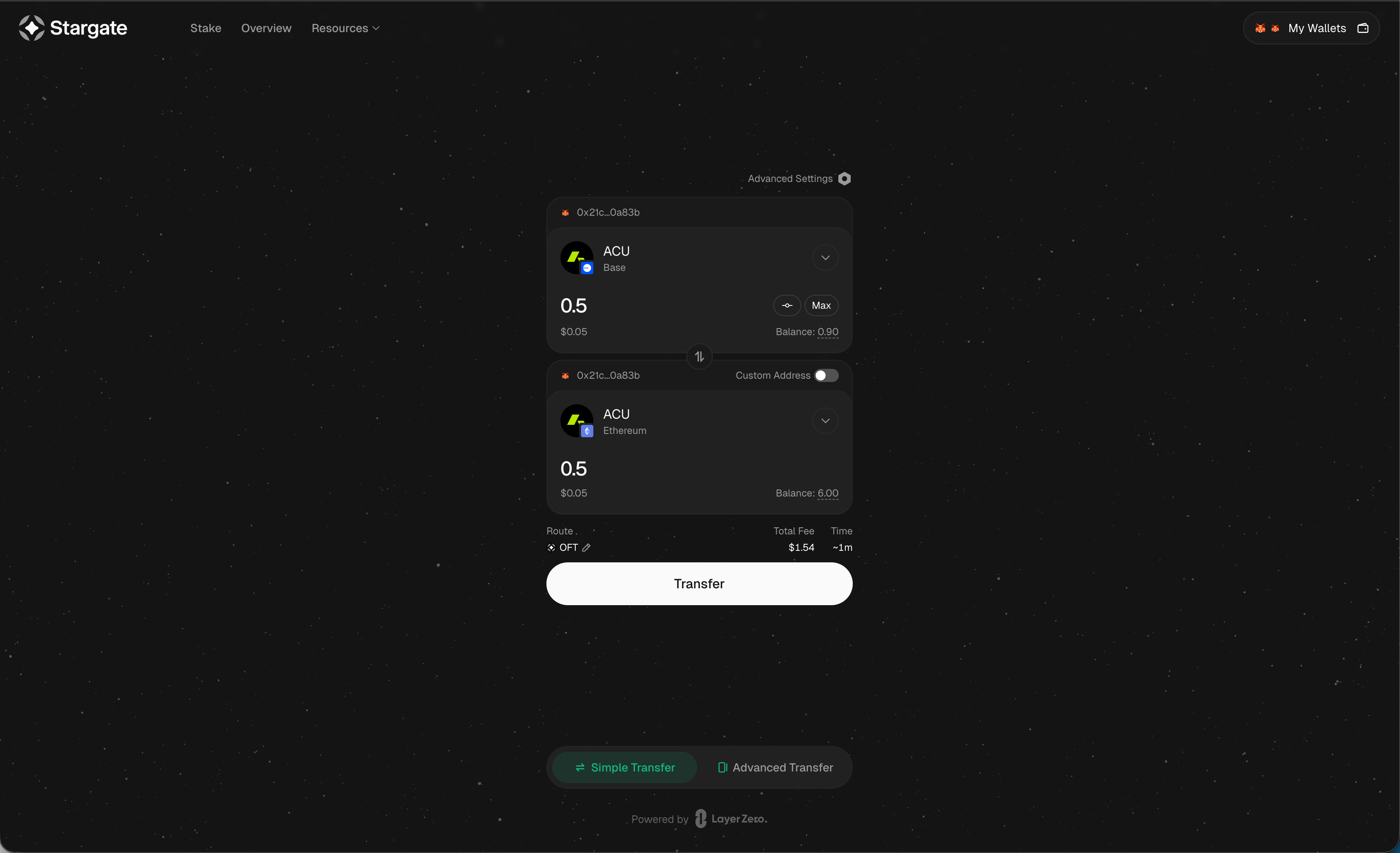
7. Click Transfer. When the form is valid, the button activates. Review the route (OFT), total fee, and estimated time.
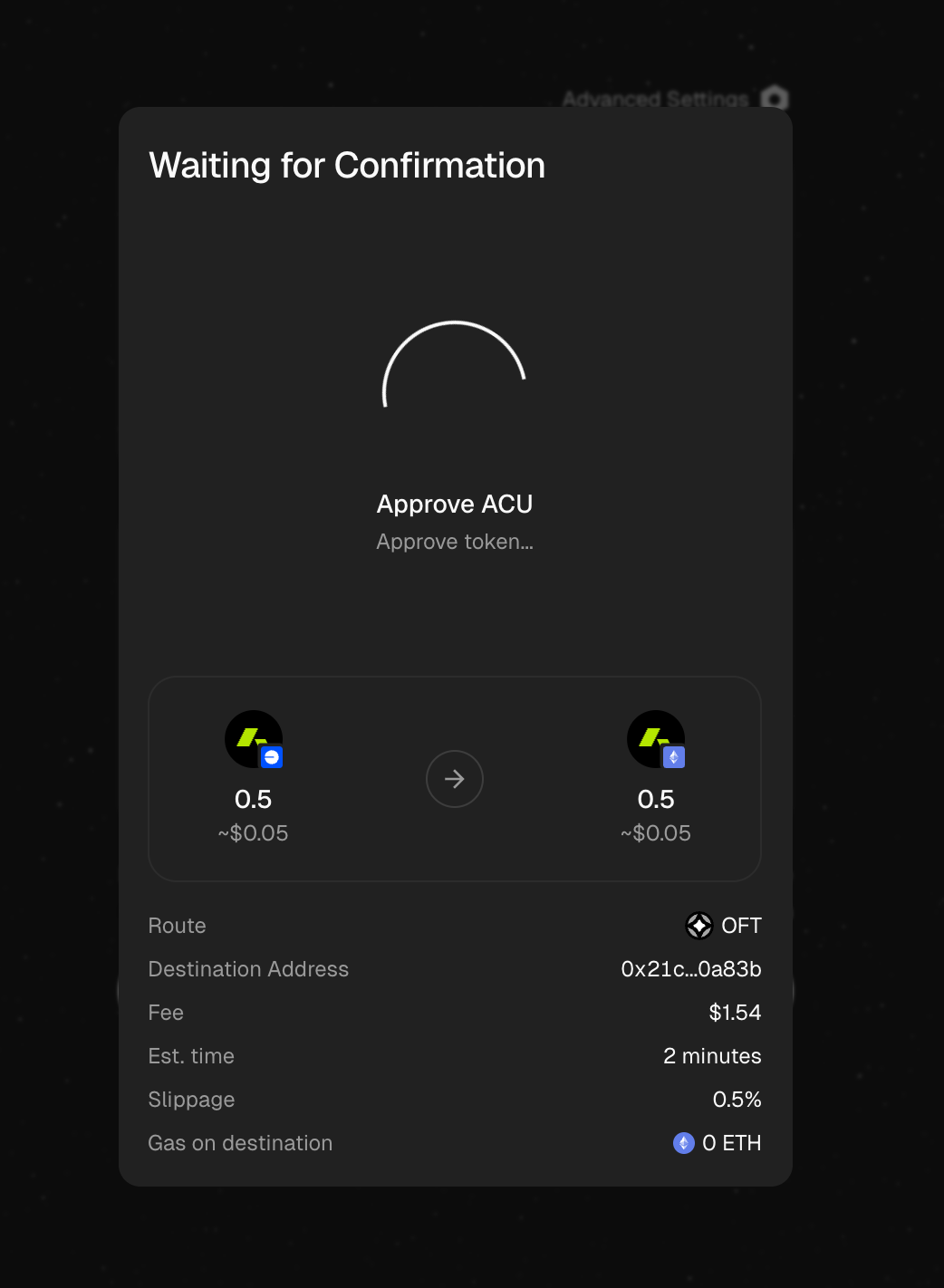
8. Approve token spending. First-time transfers require an ERC20 approval. Confirm the spending cap in your wallet.
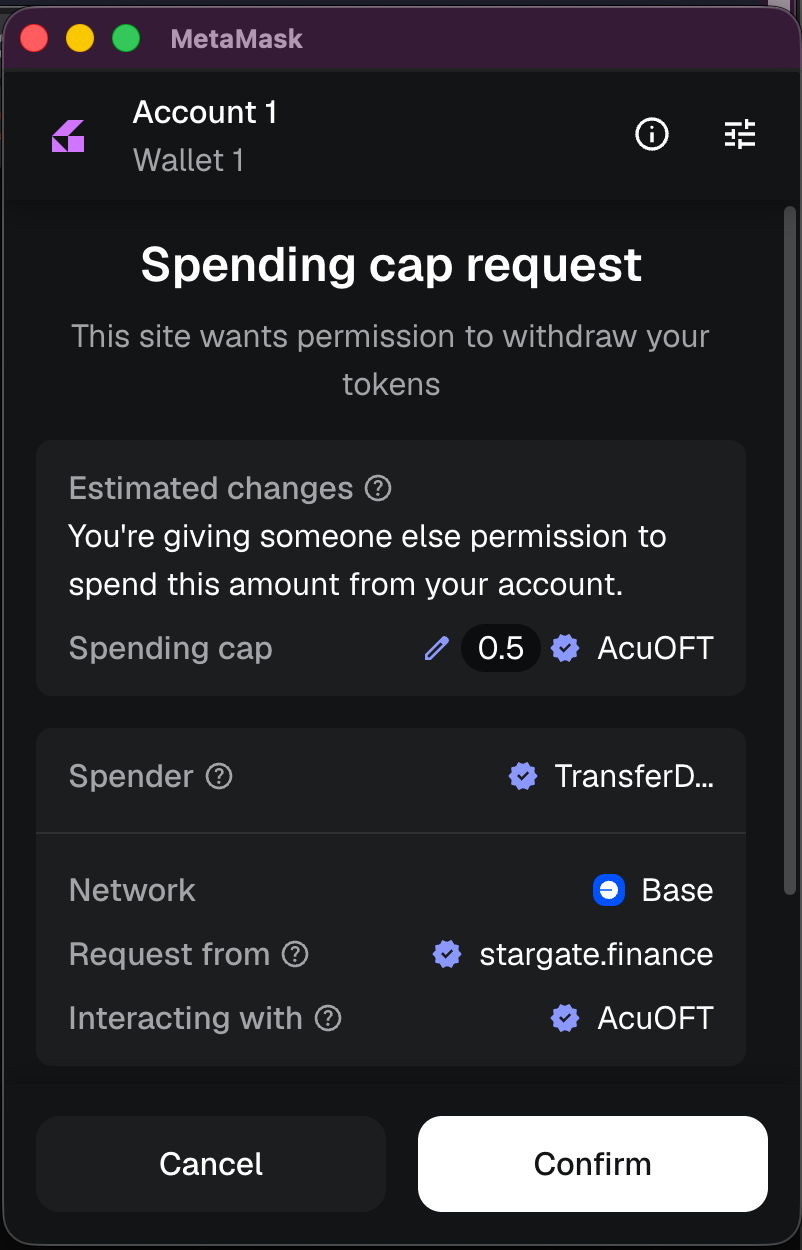
9. Confirm the transfer transaction. Sign the second transaction (the actual bridge call to LZMultiCall).
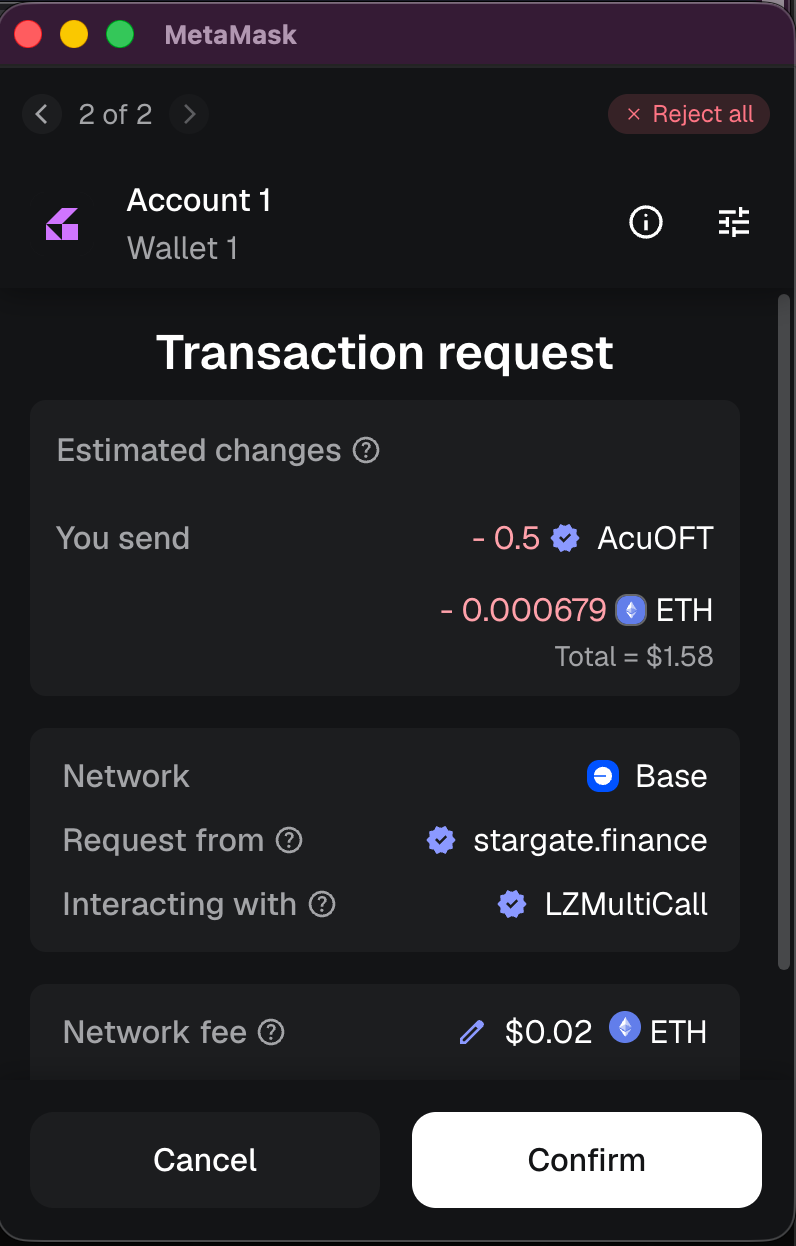
ACU arrives on Ethereum in ~1–2 minutes. Continue with Step B.
Step B: Ethereum → Acurast Mainnet (HyperDrive)
Use the official Acurast HyperDrive bridge to move ACU from Ethereum to Acurast Mainnet.
1. Open the Hub and connect both wallets. Go to hub.acurast.com and connect your EVM wallet and your Acurast (Substrate) wallet. The Balances page shows ACU per EVM chain and your Acurast Mainnet balance.
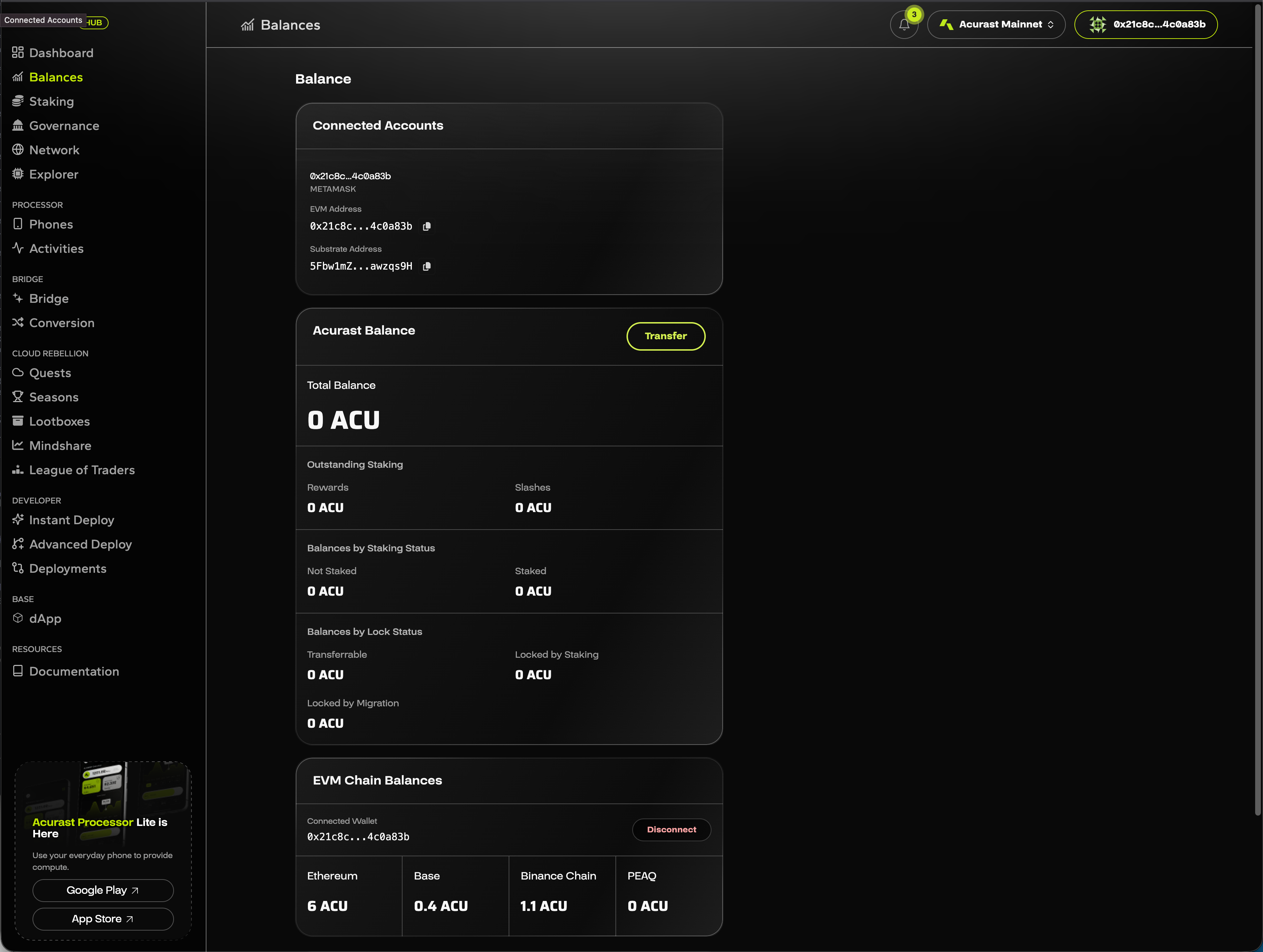
2. Open the Bridge. Click Bridge in the left sidebar. Set From: Ethereum, To: Acurast. Enter the amount.
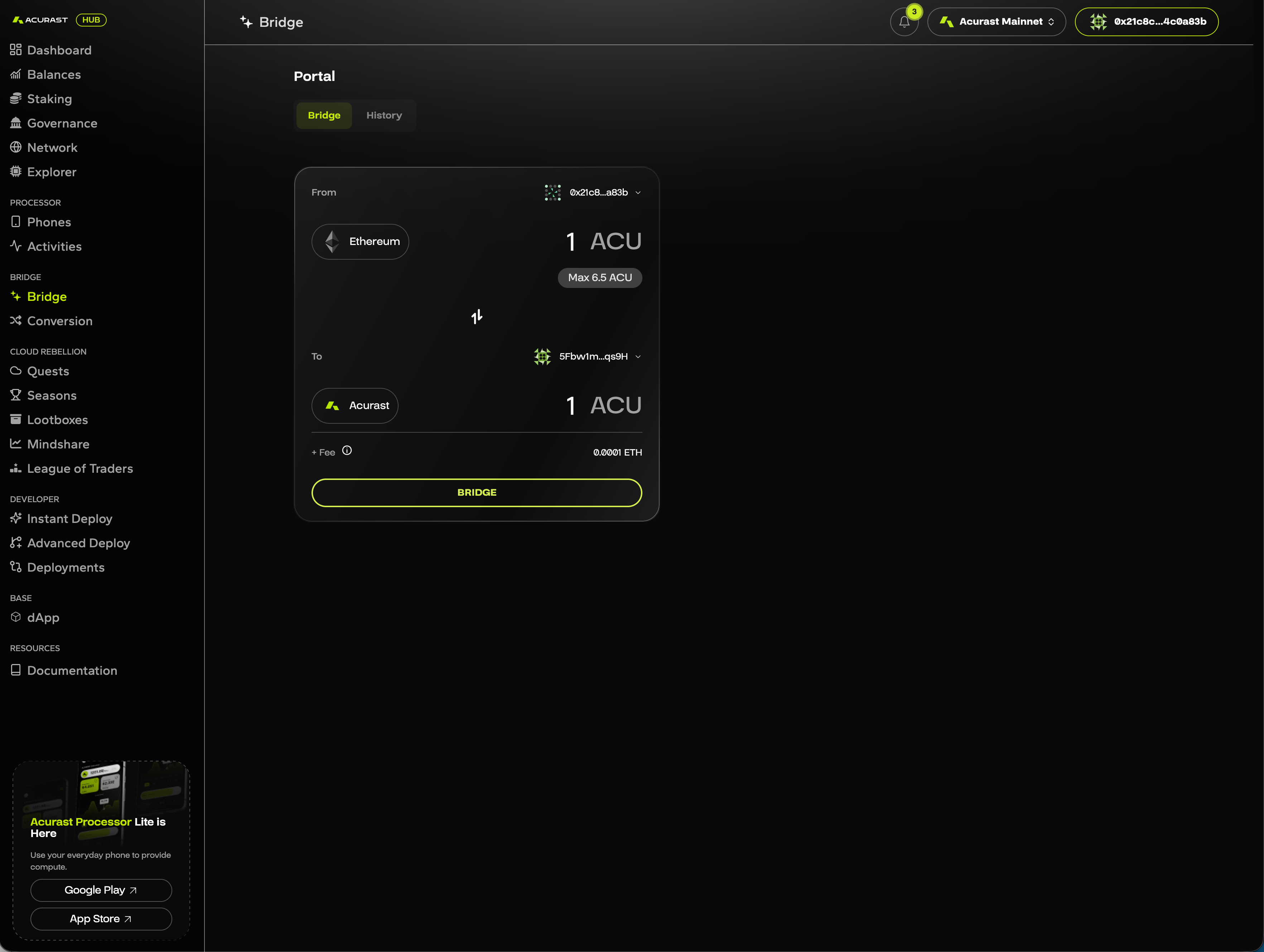
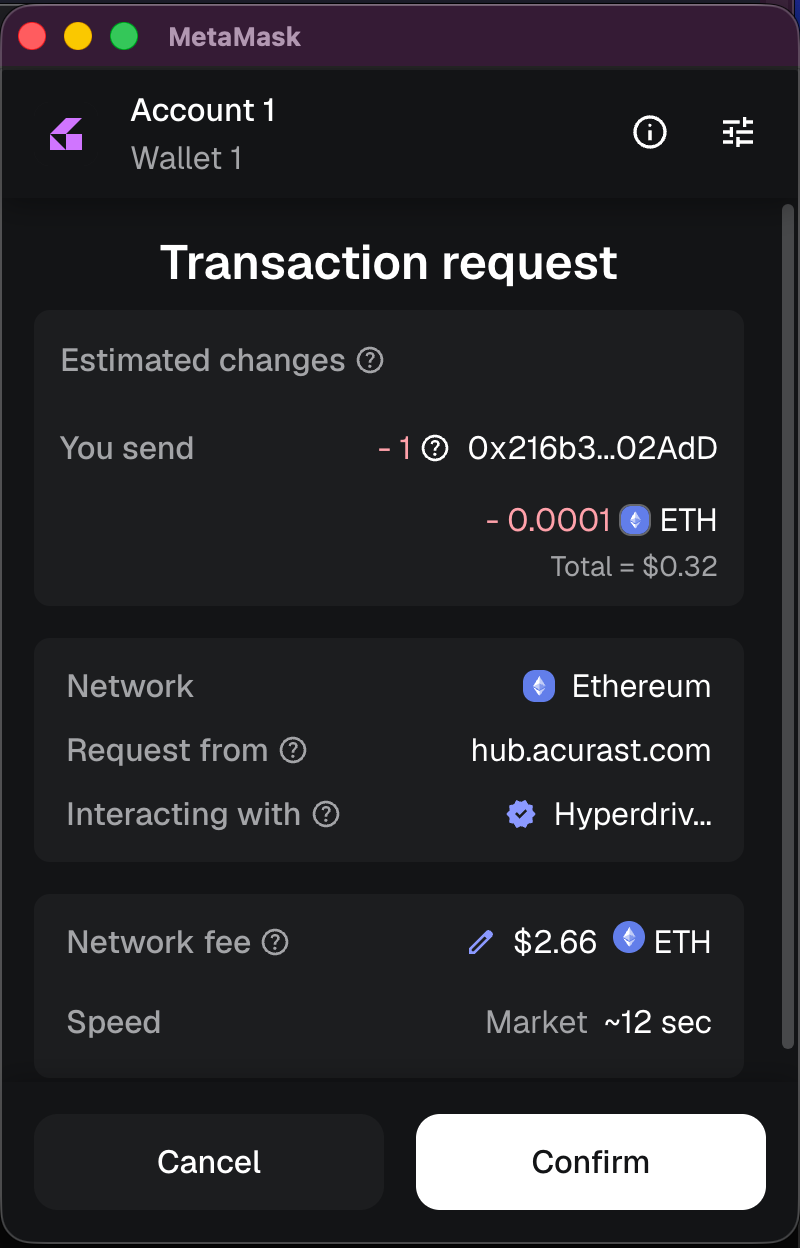
3. Click BRIDGE and sign the transaction. Confirm the Hyperdrive call in your EVM wallet.
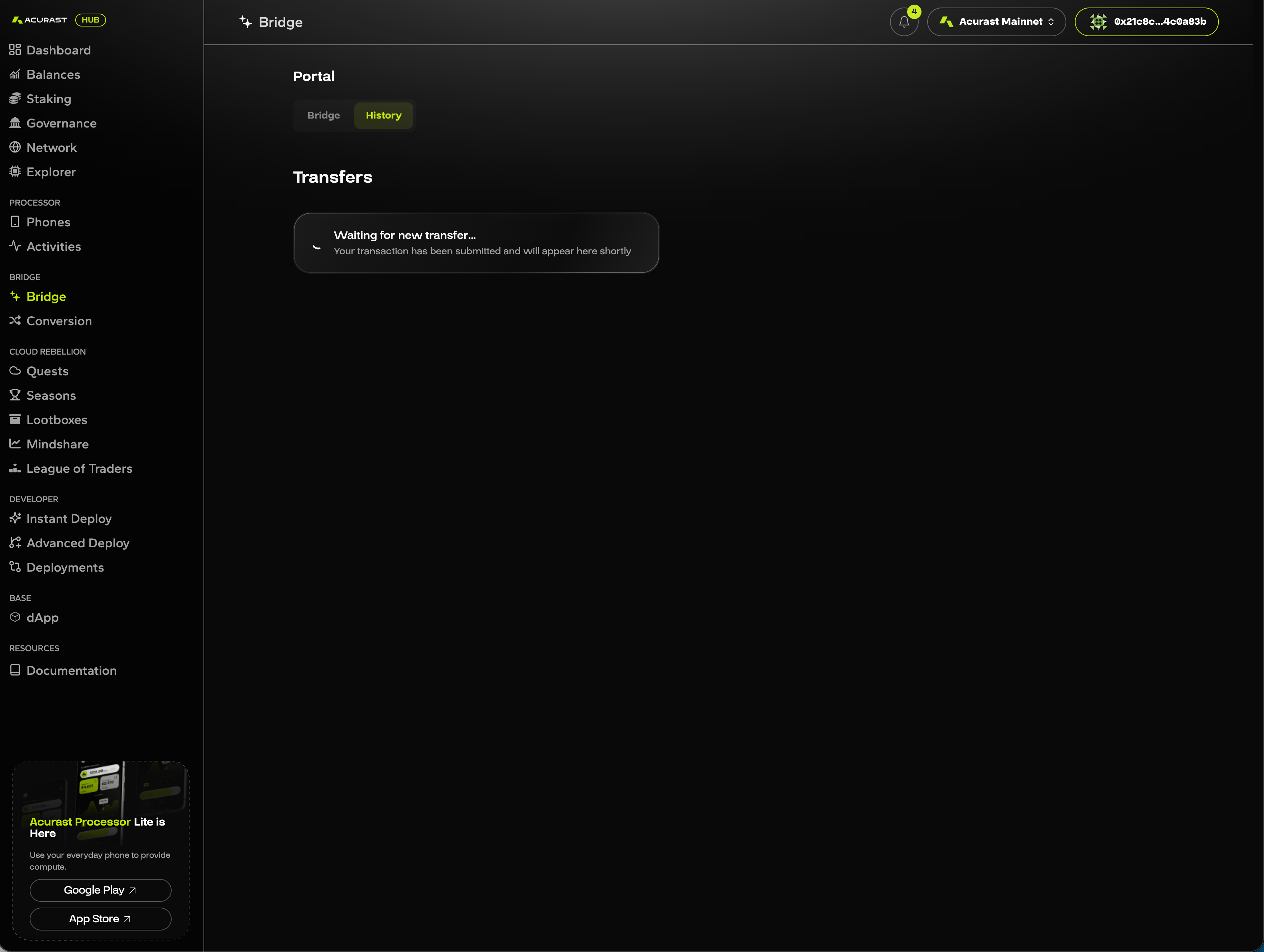
4. Track progress in History. The History tab shows the transfer state, first waiting, then pending.
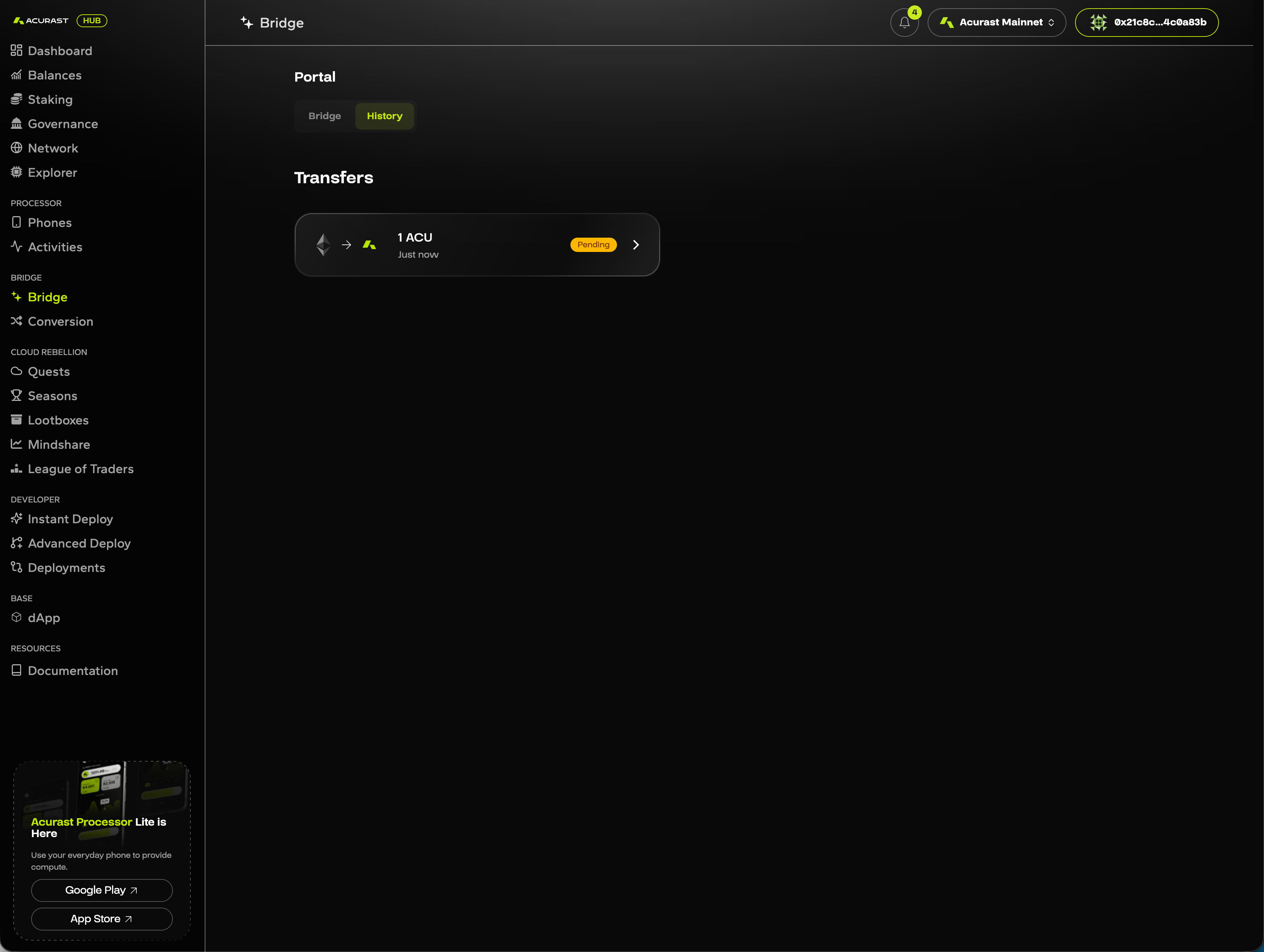
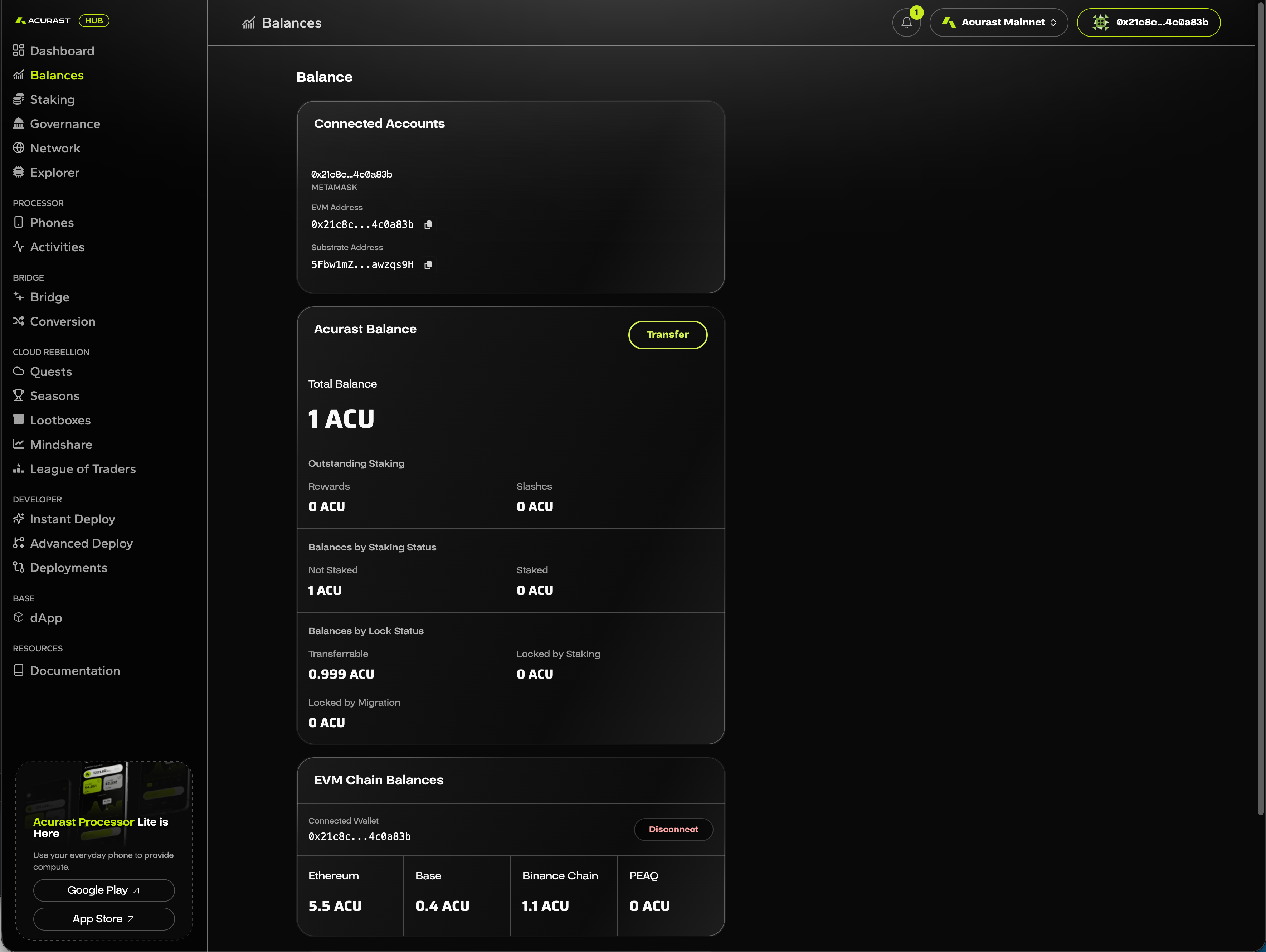
5. Verify arrival. Once finalized, ACU appears under Acurast Balance on the Balances page. Ready to stake, delegate, or use for deployments.
4. Verify the token contract
Only interact with token contracts listed in the official token reference. Beware of fake tokens with similar names.
Sending ACU to an address on the wrong network is irreversible. Always confirm the destination chain matches the token instance you are sending.
Related
- Acurast Token — token contracts and instances.
- Wallets — supported wallets.
- Claim Vested ACU — for early-round and airdrop recipients.