Run the OpenClaw AI Assistant on Acurast
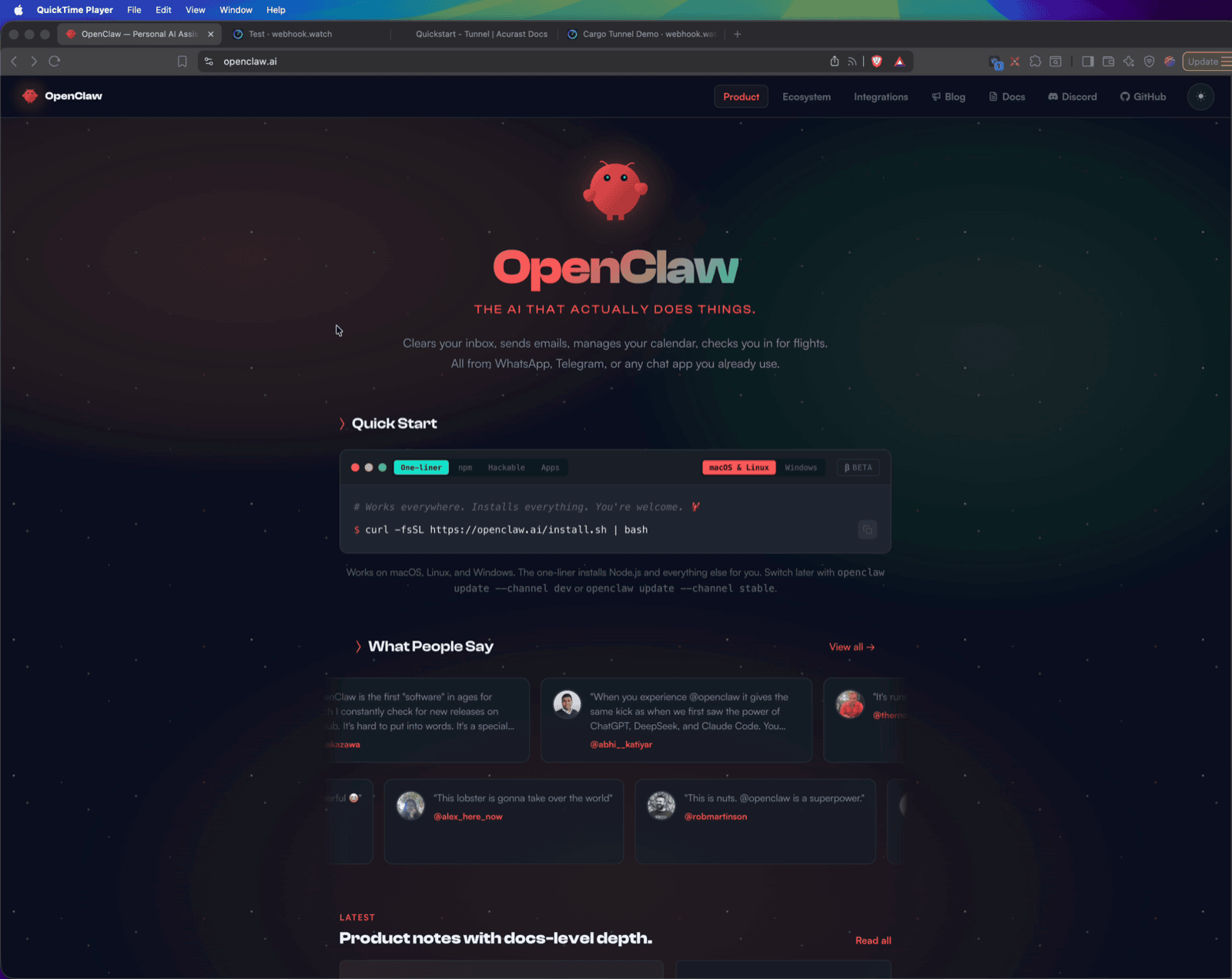
This example runs OpenClaw — an open-source personal AI assistant, "the AI that actually does things" — on an Acurast processor, exposed over the Acurast Tunnel two ways at once:
- primary connection → the OpenClaw Control UI (HTTP on
18789). Open the tunnel URL in a browser for the full chat / sessions / config dashboard. - secondary connection → SSH (Dropbear on
2222) for theopenclawCLI (e.g.openclaw onboardto link chat channels) or debugging.
1. Get the repo and open the example
git clone https://github.com/Acurast/acurast-example-apps.git
cd acurast-example-apps/apps/app-cargo-openclaw
2. What's in the app/ folder
| File | Purpose |
|---|---|
start.sh | Entrypoint. Phase 1: installs Dropbear, builds the getifaddrs shim, starts SSH and the tunnel. Phase 2: installs Node.js + the openclaw npm package, writes a headless config (gateway on loopback 18789, password auth forced, model pinned to OpenRouter), and starts the gateway that serves the Control UI. SSH comes up first so a slow Phase 2 is still debuggable. |
tunnel.py | Opens the reverse tunnel — primary → Control UI (18789), secondary → SSH (2222). |
getifaddrs_override.c | PRoot shim. |
callback.sh | POSTs log / started / error (and webui_password) events to your CALLBACK_URL. |
3. (Optional) Use your own domain
By default the tunnel serves on https://<clientId>.acu.run, with a Let's Encrypt
certificate provisioned automatically — nothing to set up. To use your own domain
suffix instead, do the one-time DNS setup (a wildcard record and an _acu TXT
record) from the
Tunnel Quick Start
(step 2) and set DOMAIN_SUFFIX_MAINNET/_CANARY below.
4. Configure .env
cp .env.example .env
| Variable | Required | What to set |
|---|---|---|
ACURAST_MNEMONIC | ✅ | Deployer seed phrase. Never commit it. |
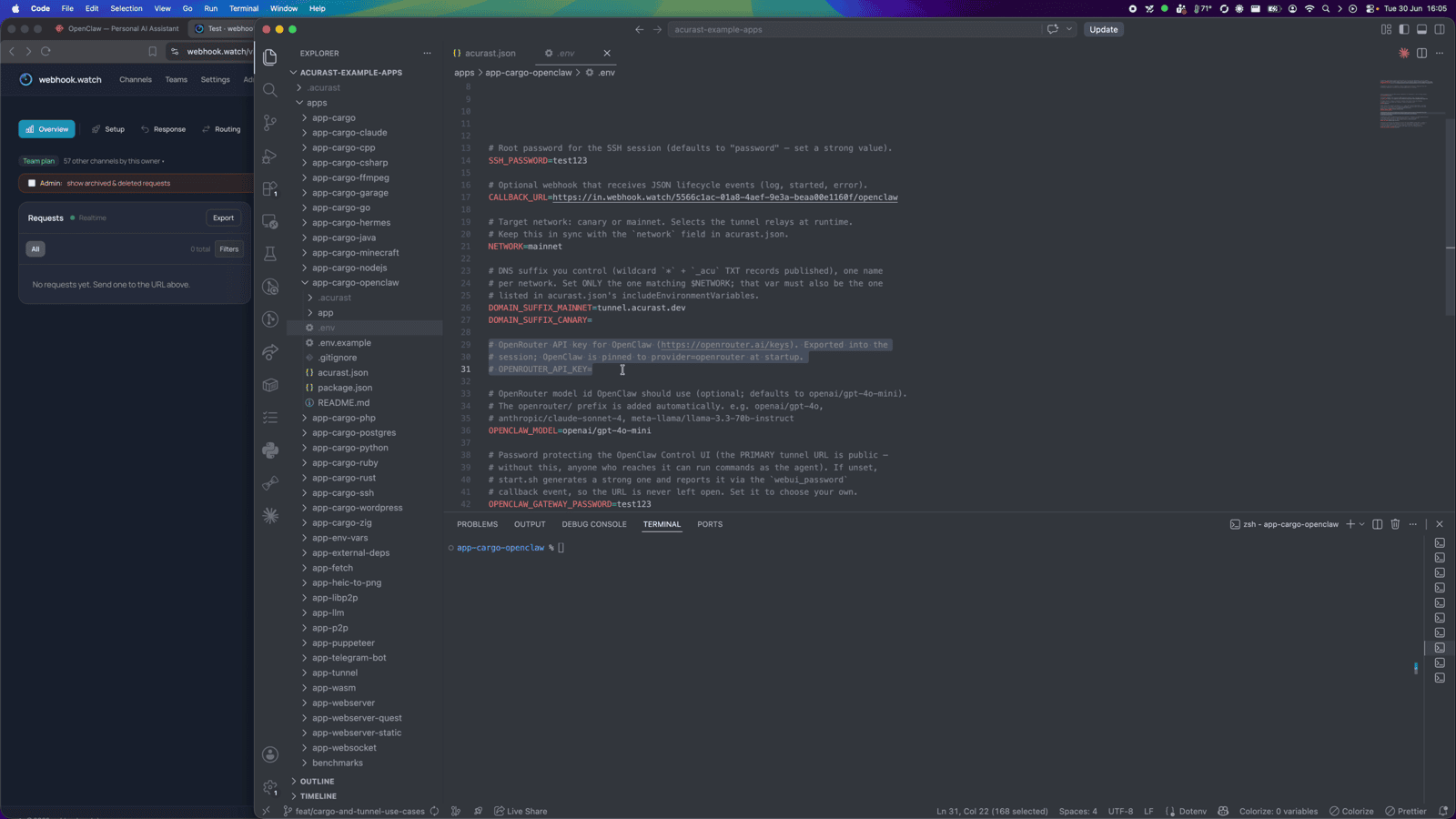
OPENROUTER_API_KEY | ✅ | Your OpenRouter API key — OpenClaw is pinned to provider=openrouter. |
NETWORK | ✅ | canary or mainnet. Must match acurast.json. |
DOMAIN_SUFFIX_MAINNET / _CANARY | optional | Only for a custom domain. Leave unset to serve on acu.run. If set, use the one matching NETWORK and add it to includeEnvironmentVariables. |
OPENCLAW_MODEL | optional | OpenRouter model id (default openai/gpt-4o-mini; the openrouter/ prefix is added for you). |
OPENCLAW_GATEWAY_PASSWORD | optional | Protects the public Control UI. If unset, start.sh generates a strong one and reports it as the webui_password event — the URL is never left open. |
SSH_PASSWORD | optional | Root SSH password. Defaults to password — set a strong value. |
CALLBACK_URL | optional | Lifecycle-event webhook. Use webhook.watch. |
Getting a CALLBACK_URL from webhook.watch
Open webhook.watch, grab the unique inspector URL, and
paste it into CALLBACK_URL. The started event delivers the Control UI URL and
SSH command — and, if you didn't set one, the auto-generated
OPENCLAW_GATEWAY_PASSWORD arrives as a webui_password event.
5. A glance at acurast.json
runtime: "Shell"on aproot-distroUbuntu image.execution:onetime,maxExecutionTimeInMs: 14400000(a 4-hour window — the install downloads a fair amount, so give it time).minProcessorVersions.android: "1.26.0"(tunnel support).includeEnvironmentVariables:CALLBACK_URL,NETWORK,SSH_PASSWORD,OPENROUTER_API_KEY,OPENCLAW_MODEL,OPENCLAW_GATEWAY_PASSWORD.
6. Deploy
npm i
npm run deploy   # runs `acurast deploy`
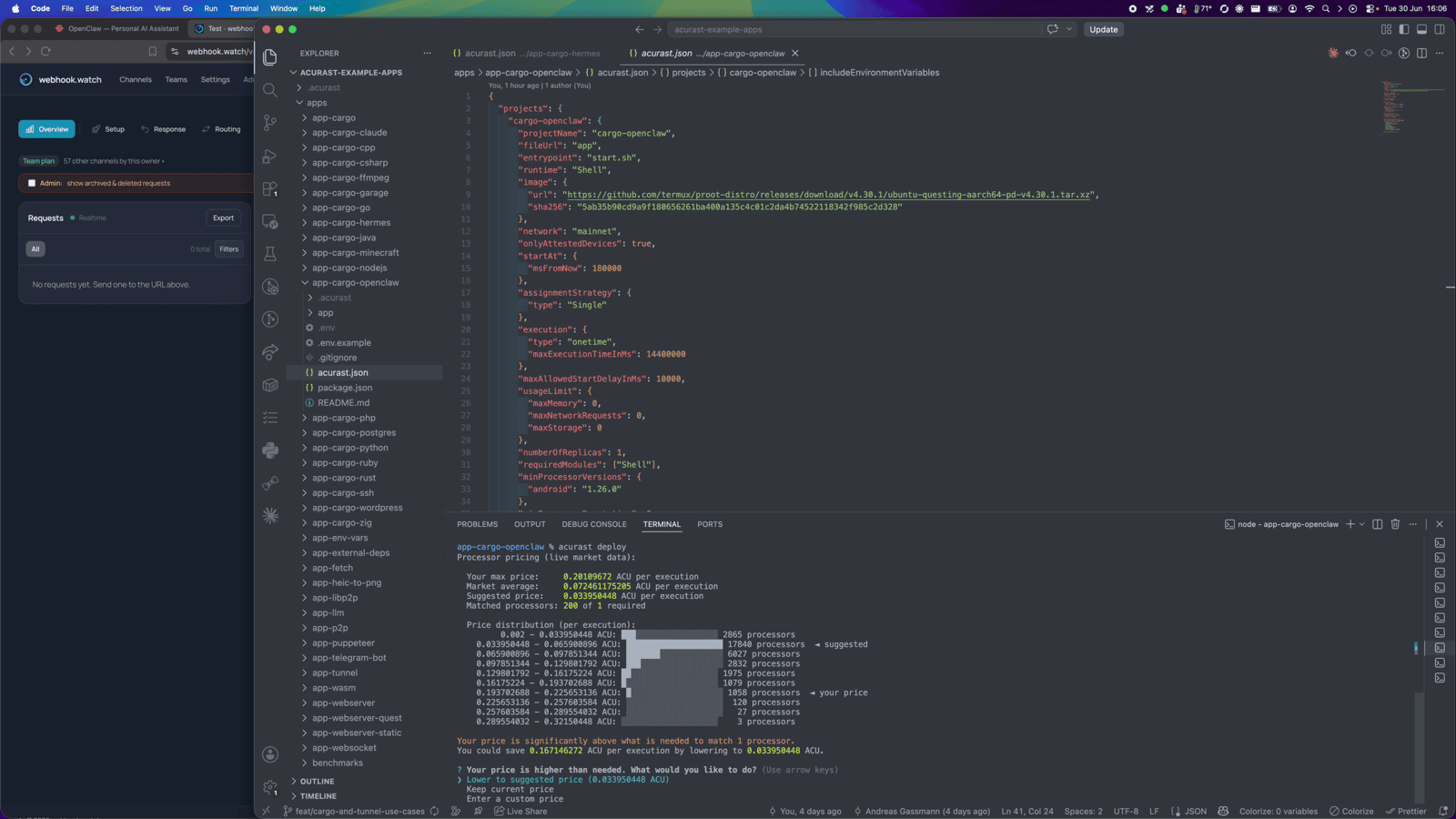
The CLI shows the reward market and a suggested price — accept it and confirm.
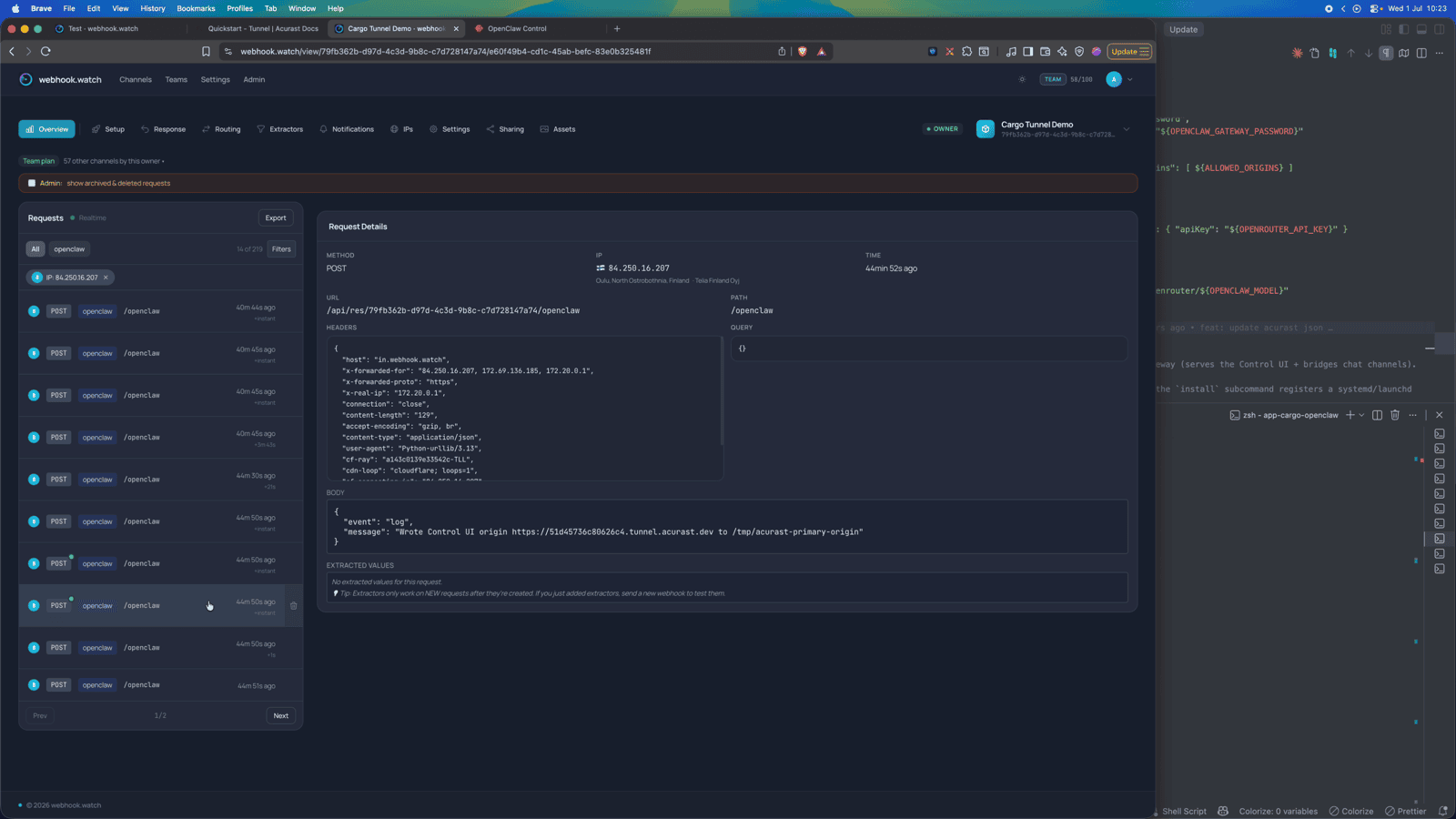
Then watch webhook.watch. The two-phase install shows up as log events —
"Phase 1: installing SSH + tunnel deps", "Phase 2: installing Node.js" — followed
by the started event with the Control UI URL and SSH command.
Part 2 — Using the assistant
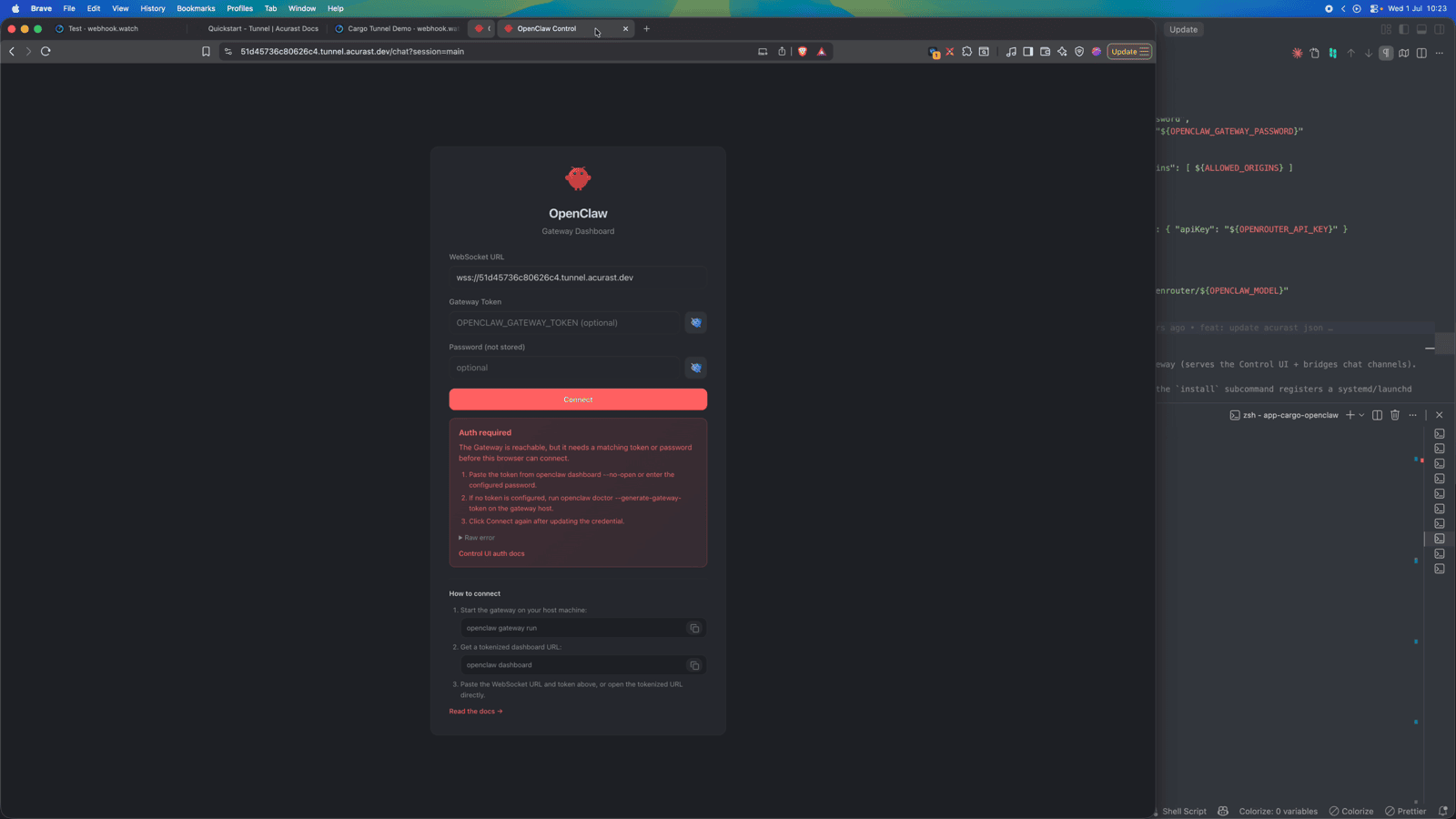
Open the Control UI
Open the url from the started event. Because the tunnel forwards from loopback,
start.sh forces password auth so the public URL is never wide open — log in
with your OPENCLAW_GATEWAY_PASSWORD (or the auto-generated one from the
webui_password event).
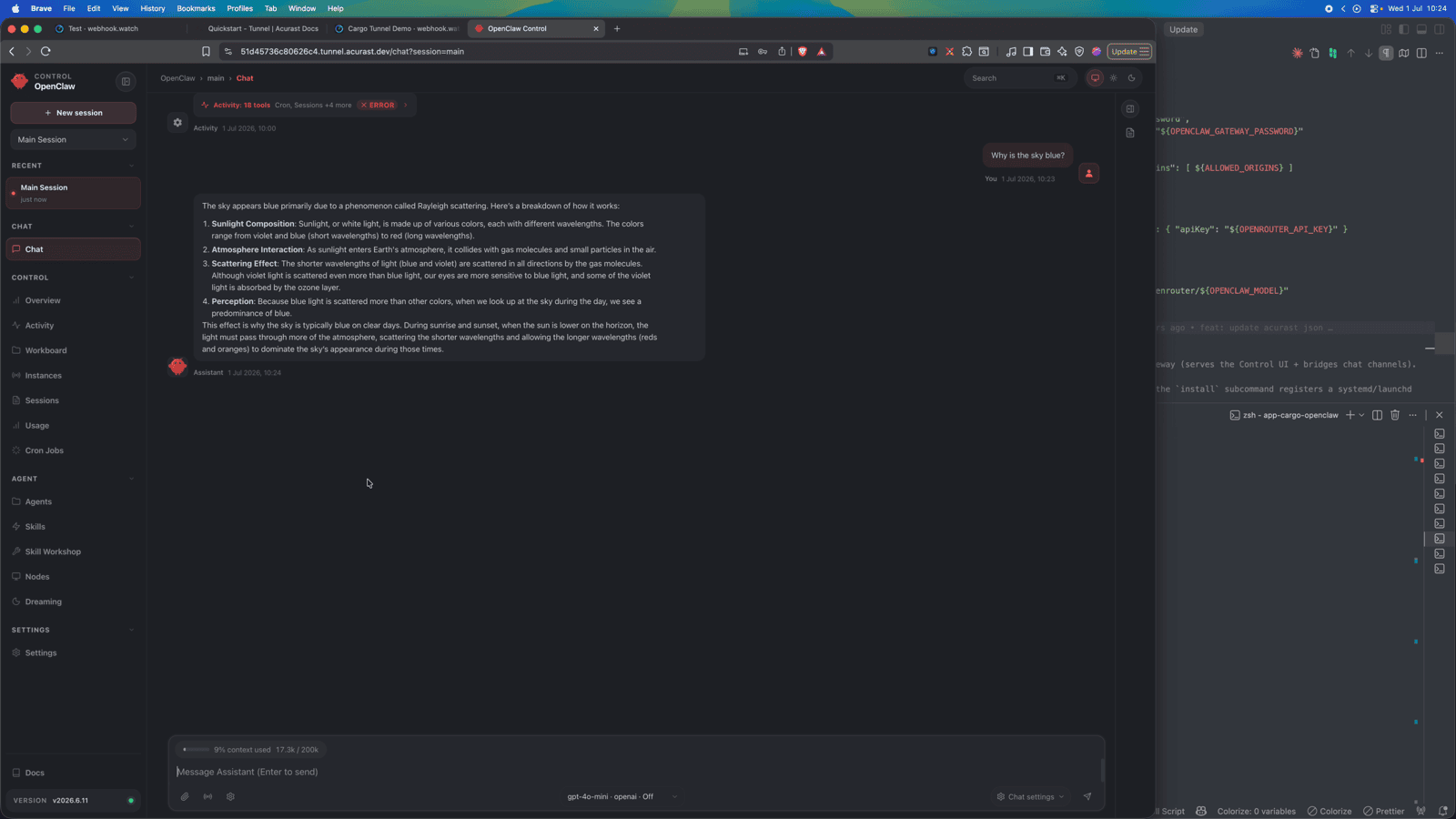
Inside you get the full dashboard — chat, sessions, skills, cron jobs — and you can talk to the assistant right away.
SSH for the CLI
For first-time channel setup, SSH in and run openclaw onboard. OpenClaw connects
through chat apps (WhatsApp, Telegram, Discord, Slack, Signal); link a channel from
the Control UI or via onboarding. Run the connect command from the started
event and authenticate with SSH_PASSWORD:
ssh -o ProxyCommand='openssl s_client -quiet \
  -servername <secondaryClientId>.acu.run \
  -connect <secondaryClientId>.acu.run:443' \
  root@<secondaryClientId>
The session is ephemeral — config and memory are lost when the deployment ends.